SEO Workflow Automation for Agencies: Save 80% of Time
Automate SEO audits, prioritize fixes by traffic at risk, and connect AI agents to crawl data. Scale 10–100+ clients without per-seat fees using Digispot AI.
 Maya Krishnan
Managing client portfolios across fragmented SEO tools is the most consistent complaint from agency owners and SEO directors. Screaming Frog for crawling. Ahrefs for backlinks. Semrush for keywords. GSC and GA4 in separate browser tabs. Surfer for content. Five logins, five exports, five spreadsheets — before a single client report can be written.
That is not an SEO problem. It is an operations problem, and it puts a hard ceiling on how many clients your team can serve without burning out.
This guide covers how Digispot AI replaces that fragmented stack with an automated crawl-to-fix-to-report pipeline — and why the MCP server is the lever that changes agency economics.
Table of Contents
- The Agency Reporting Tax: The Real Cost of Manual SEO Workflows
- What True SEO Automation Means for Modern Agencies
- Automated Audit Cycles: Traffic-Weighted Technical SEO Audits
- The MCP Server in Practice: Connecting AI Agents to Crawl Data
- Scaling Across 50+ Client Projects
- Client Dashboards Without Per-Seat Fees
- Measuring and Proving ROI
- Migrating Your Agency in One Sprint
The Agency Reporting Tax: The Real Cost of Manual SEO Workflows
For growing agencies, the end of the month brings a predictable operational bottleneck. Account managers and SEO directors find themselves trapped in a cycle of manual data retrieval: pulling technical errors from one crawler, backlink profiles from another, organic impressions from GSC, conversion metrics from GA4. This turns skilled strategists into data-entry clerks.
The Cost of Tool Fragmentation
When your stack is scattered across four or five disconnected platforms, your team pays a heavy context-switching tax. Managing 10 to 100+ client sites means repeating these exports dozens of times. The numbers are not abstract:
- 3–5 hours per client per month spent on export, consolidation, and formatting before a single fix is implemented.
- At 20 clients, that is 60–100 hours monthly — roughly two full-time analyst weeks — spent on data wrangling rather than optimization.
- Human error rate increases with every manual copy-paste between spreadsheets, especially under end-of-month deadline pressure.
Why Manual Spreadsheets Kill Agency Margins
Consolidating raw CSV exports into a presentable client report takes hours of formatting and validation. Because this labor occurs before any optimization is implemented, it directly erodes your billable margins. Senior analysts spend their expertise on spreadsheet maintenance instead of strategy. That is a structural problem, not a staffing one.
What True SEO Automation Means for Modern Agencies
True automation is not scheduling a monthly PDF email that lists outstanding issues. It is an active, continuous pipeline that bridges identifying a technical error, prioritizing it by real-world search impact, and deploying the fix — without manual handoffs between steps.
Beyond Scheduled PDF Reports
Digispot AI replaces static reporting with a continuous crawl-to-fix-to-report pipeline. By integrating GSC, GA4, and crawl data into a single workspace, the platform monitors your clients' sites continuously. When a critical issue arises — an accidental noindex tag, a broken high-value internal link — the system flags it immediately, eliminating the lag time between audits.
The AI Agent Paradigm
Modern agencies increasingly leverage autonomous AI agents to execute optimization workflows. Rather than simply alerting you to a keyword ranking drop, Digispot AI's built-in agents analyze the underlying structural or content gap, generate the fix, and route it to the right team member — with no analyst in the loop for routine issues.
Automated Audit Cycles: Traffic-Weighted Technical SEO Audits
Traditional crawlers treat every technical issue with equal weight, producing overwhelming lists of errors that may have zero impact on your client's bottom line. Digispot AI changes this by aligning technical severity with actual business impact.
Real-Browser Chromium Crawling
Digispot AI's SEO Spider uses a real Chromium engine to render pages exactly as modern search engines do. This means client sites built on heavy JavaScript frameworks (React, Angular, Next.js) are accurately crawled across mobile, tablet, and desktop — catching hidden rendering issues that basic HTML parsers miss entirely. JS-rendered schema, lazy-loaded images, dynamic canonical tags — all visible.
Prioritizing Issues by Traffic at Risk
By overlaying live GSC and GA4 data onto the crawl map, Digispot AI automatically calculates the traffic at risk for every detected error:
- A broken redirect on a page generating 50,000 monthly visits → flagged as critical priority, assigned to developer queue immediately.
- A duplicate meta description on an unindexed utility page → deprioritized, no analyst time spent.
- 300+ automated checks running continuously across your entire client portfolio — not just on monthly audit days.
Your team receives a fix-first ranked task list the moment a crawl completes. No manual prioritization needed.
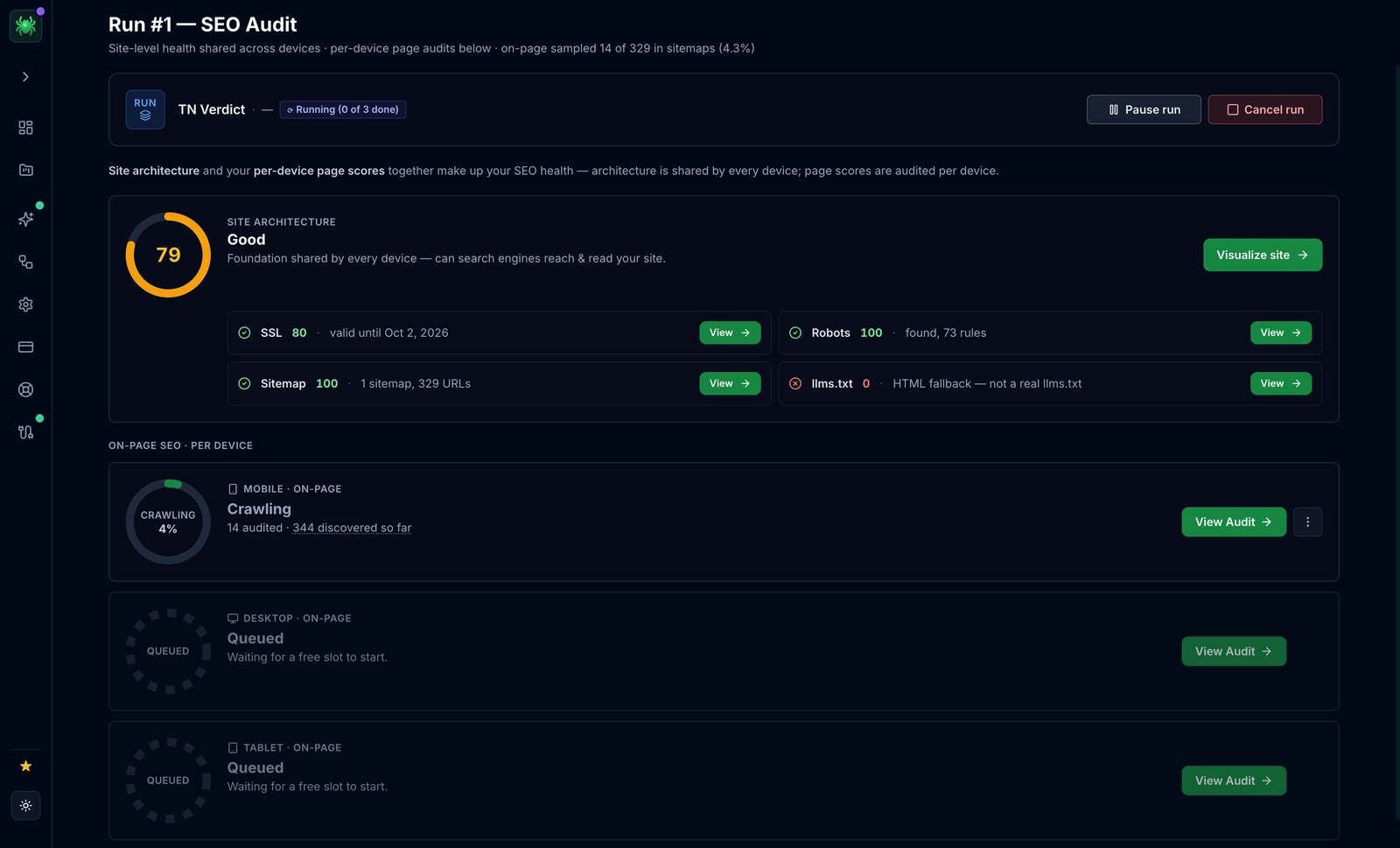 Every crawl produces a fix-first ranked task list automatically — issues affecting high-traffic pages surface at the top, deprioritizing errors on low-value pages.
The MCP Server in Practice: Connecting AI Agents to Crawl Data
The most significant differentiator for modern agencies using Digispot AI is the built-in Model Context Protocol (MCP) server. This is the feature that changes agency economics.
How the Digispot MCP Server Works
Instead of exporting CSV files to feed into external LLMs, your team can connect AI tools like Claude or Cursor directly to the Digispot MCP server. The AI agent queries live client crawl data, indexation logs, and keyword positions in real time using natural language.
A concrete example of the workflow:
- Claude queries the MCP server: "List the top 10 issues by traffic at risk for client X."
- MCP returns structured data: issue type, affected URL, traffic at risk, recommended fix.
- Claude generates a fix description: a developer-ready ticket with the exact canonical tag, redirect rule, or meta description to implement.
- Claude routes the ticket to the relevant team member in Jira or GitHub via API.
The entire sequence takes seconds. No analyst hours. No copy-paste. No "lost in translation" between the crawl report and the dev ticket.
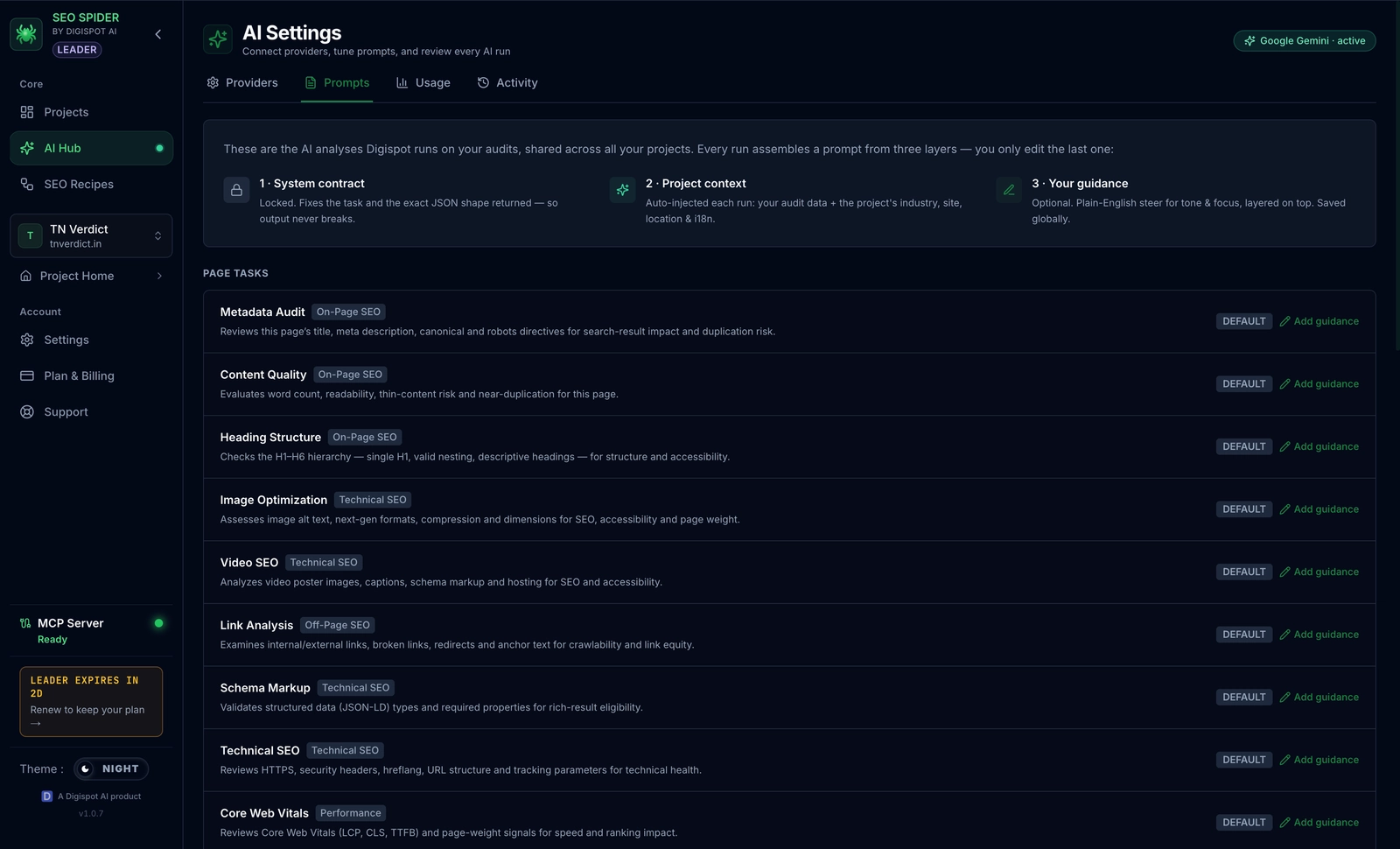 Digispot AI's MCP prompt templates let AI agents like Claude query live crawl data, generate developer-ready tickets, and route them to the right team member — all in seconds.
The MCP server enforces project-scoped, safe-write access only — agents can read all audit data and write fixes, but they cannot delete projects or reset crawl history. The boundary is enforced by the server, not a prompt.
Digispot's Free Open-Source Skills
Digispot AI also ships free open-source Claude Code skills — /seo-audit, /seo-quick-wins, /seo-striking-distance, and more — that any agency can run directly from their terminal against any client project. These skills abstract the most common agency workflows into single commands.
Scaling Across 50+ Client Projects
Managing a large portfolio requires infrastructure that doesn't penalize your growth. Digispot AI's architecture is built for complex, multi-project environments.
Multi-Project Workspaces
The Agency tier provides a centralized dashboard for monitoring 50+ client projects simultaneously. From a single login, account directors can view macro health trends across the entire portfolio while setting custom alert thresholds for individual high-value accounts.
Automated Task Routing
When the platform detects an issue, it routes it — not just flags it. Define rules to automatically assign tasks by issue type:
- Technical errors → web development team.
- On-page content gaps → copywriting team.
- Keyword ranking drops → account manager review queue.
This structured automation ensures responsibilities are assigned within minutes of detection, not at the next weekly standup.
Client Dashboards Without Per-Seat Fees
Most legacy SEO platforms charge heavy premiums for adding users, forcing agencies to choose between high software bills or gatekeeping data from their clients. Digispot AI removes this barrier.
Unlimited Client Viewers
The Agency tier eliminates per-seat licensing fees for client dashboard access. Invite unlimited client stakeholders to their dedicated dashboards. Clients see their own SEO health score, keyword movements, and resolved issue history in real time — without needing a full Digispot seat or access to other client projects.
Real-Time Transparency Reduces Churn
Clients no longer have to wait for the end-of-month report to see progress. Continuous visibility into resolved issues, score improvements, and traffic recovery builds the kind of trust that reduces churn more effectively than any quarterly business review slide deck.
Clients can also access the Content Studio and keyword tracking tools directly from their workspace — transforming your agency's client portal into an interactive asset they return to daily.
Measuring and Proving ROI
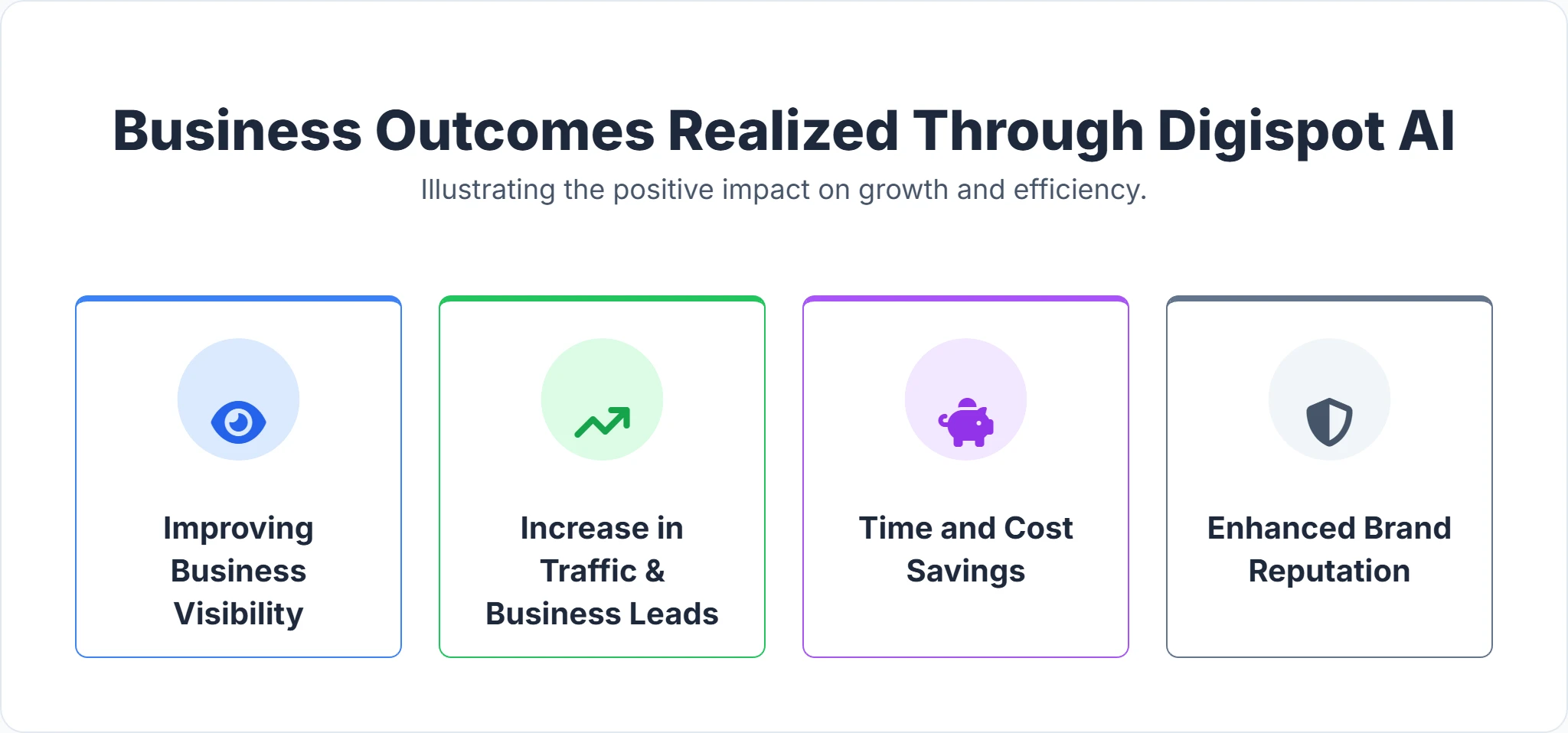
To retain clients long-term, agencies must translate technical fixes into clear commercial outcomes. Digispot AI tracks the relationship between technical health and traffic recovery automatically.
Translating Fixes into Business Value
When an automated fix resolves a broken canonical tag on a primary landing page, Digispot AI tracks the subsequent crawl improvement, indexation speed, and organic traffic growth — presenting the before/after narrative in client-ready visualizations.
| Metric | Business Outcome | Client Impact |
|---|---|---|
| Issues Resolved | Reduced crawl budget waste | Faster indexation of new pages |
| Traffic Recovered | Restored organic visibility | Increased inbound leads |
| Health Score Trend | Prevention of ranking drops | Long-term brand security |
Historical Score Tracking for QBRs
Continuous historical SEO health scores give you a clean narrative arc for quarterly business reviews: "In Q2 we resolved 47 critical issues, recovering 12,000 monthly organic sessions. The client's site health score moved from 58 to 79." That story is generated automatically from Digispot data — no manual slide assembly.
Migrating Your Agency in One Sprint
Transitioning away from legacy tools feels risky. Here is how to do it in one sprint without disrupting active client work.
Step 1: Connect your accounts. Link your first client's GSC and GA4 properties to import historical search data and traffic weighting immediately.
Step 2: Run a parallel crawl. Run Digispot AI alongside your existing crawler for one sprint on a domain you know well. Compare outputs to calibrate where Digispot's real-browser rendering surfaces issues your old crawler missed.
Step 3: Configure the MCP server. Connect Claude or Cursor to the Digispot MCP server. Run one real audit workflow end-to-end to verify the ticket generation pipeline before rolling out to the full portfolio.
Step 4: Deploy the Chrome extension. Install the free SEO Insights Chrome extension for immediate on-page validation of metadata, schema, and rendering across any client URL.
Step 5: Cancel legacy tools after one full cycle. Don't cancel before confirming the new crawl catches everything the old one did. One sprint of overlap is inexpensive insurance.
Most agencies complete the first client migration in under two weeks. The time saved on reporting cycles in month one typically covers the annual Digispot subscription.
Ready to cut your agency's reporting overhead and scale your client portfolio without growing headcount? Explore the Agency plan or review the full feature set to see how Digispot AI maps to your current stack.
Related deep-dives
Continue with these closely related guides:
- seo tools for in-house — SEO Tools for In-House Teams: Automate Audits, Track Rankings, Prove ROI
- best semrush alternative — Best Semrush Alternative for 2026: Digispot AI vs Legacy SEO Tools
- google search console integration — Google Search Console Integration for SEO Teams: Unified GSC and GA4 Data
Audit any page in seconds
300+ SEO checks including Core Web Vitals, schema markup, meta tags, and AI readiness — trusted by 1000+ SEO experts and marketers.
Frequently Asked Questions
Here are some of our most commonly asked questions. If you need more help, feel free to reach out to us.
Written by
Maya Krishnan
Digital growth expert
Maya is a seasoned expert in web development, SEO, and digital strategy, dedicated to helping businesses achieve sustainable growth online. With a blend of technical expertise and strategic insight, she specializes in creating optimized web solutions, enhancing user experiences, and driving data-driven results. A trusted voice in the industry, Maya simplifies complex digital concepts through her writing, empowering readers with actionable strategies to thrive in the ever-evolving digital landscape.