Google Business Profile Guide: Rank in Local Pack 2026
A complete strategic guide to optimizing your Google Business Profile. Learn how to rank in the Local Pack, optimize for AI search, and drive real conversions.
 Maya Krishnan
Your website is no longer the first interaction a customer has with your brand. For local intent searches, that honor belongs to your Google Business Profile (GBP).
The statistics are clear: nearly half of all Google searches have local intent. More importantly, a significant percentage of these "zero-click" searches end right on the results page. If you aren't visible in the Local Pack (the map block of three businesses), you are invisible to 46% of potential customers.
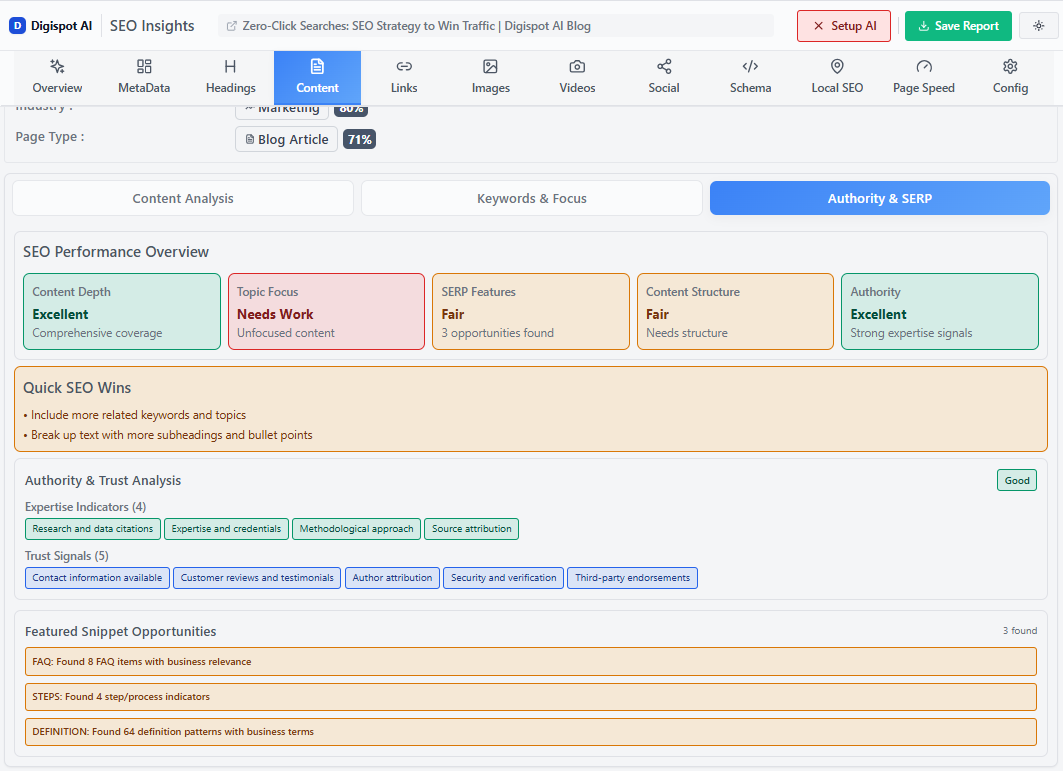
This is not just about filling out a form. It is about engineering your profile to withstand the scrutiny of Google's algorithms and the emerging AI-driven search engines (like Gemini and SearchGPT) that rely heavily on structured local data.
This guide moves beyond basic setup. We will cover how to audit, optimize, and maintain a high-performance profile that drives revenue, not just views. If you want the bigger picture first, see our primer on what local SEO is and how it works.
Key Takeaways
- Your primary category outranks your description. Choose the most specific category that matches your core service before you touch anything else, then layer up to nine secondary categories.
- NAP consistency is non-negotiable. Make your Name, Address, and Phone identical on your site, your profile, and every directory so Google trusts your data.
- Feed the AI, not just the map. Complete attributes, services, and Q&A entries are the structured signals that surface your business in AI Overviews and voice results.
- Reviews are a ranking channel, not vanity. Ask consistently, never gate, and reply to every review to reinforce keywords and E-E-A-T signals.
- GBP is a weekly habit. Post updates, refresh photos, seed your own Q&A, and audit attributes on a recurring schedule instead of setting it and forgetting it.
The Strategic Value of GBP in the AI Era
Google Business Profile (formerly Google My Business) is a free tool that allows business owners to manage their presence across Google, including Search and Maps.
However, viewing it merely as a directory listing is a mistake. In the age of Answer Engine Optimization (AEO), your GBP acts as a primary data source for AI models. When a user asks an AI, "Find me a top-rated Italian restaurant open now with outdoor seating," the AI parses GBP attributes to formulate the answer.
Why It Matters Now
- Map Pack Dominance: The top three listings capture the majority of clicks.
- Trust Signal: A verified, active profile establishes immediate legitimacy.
- Conversion Velocity: Features like direct messaging, booking buttons, and "click-to-call" shorten the path to purchase.
- AEO Readiness: Detailed attributes (e.g., "wheelchair accessible," "happy hour") feed the data graph used by Google's AI Overviews.
Digispot AI can help you identify and fix these data gaps automatically with AI-powered audits analyzing 300+ ranking factors, ensuring your local presence is machine-readable and user-friendly.
Step 1: Claiming and Verification (The Modern Process)
You cannot optimize what you do not own. If you haven't claimed your profile, or if you are stuck in verification limbo, this is your priority.
Creating the Profile
Go to google.com/business and sign in. You will be prompted to enter your business name. If it appears in the dropdown, request access. If not, create a new listing.
Crucial Rule: Use your actual real-world business name. Do not add keywords (e.g., "Smith Plumbing - Best Drain Cleaner"). This is a primary trigger for suspension.
The Video Verification Shift
Google has moved aggressively away from postcard verification to video verification to combat spam. If prompted for video:
- Plan your route: You need one continuous take (1-2 minutes).
- Show the environment: Start with street signs or nearby landmarks.
- Show access: Film yourself unlocking the door.
- Show tools of the trade: Film your payment terminal, software, or specialized equipment.
- No editing: Upload the raw file immediately.
Step 2: Core Optimization & NAP Consistency
Once verified, you must establish the foundation. The most critical element here is NAP (Name, Address, Phone Number).
NAP Consistency
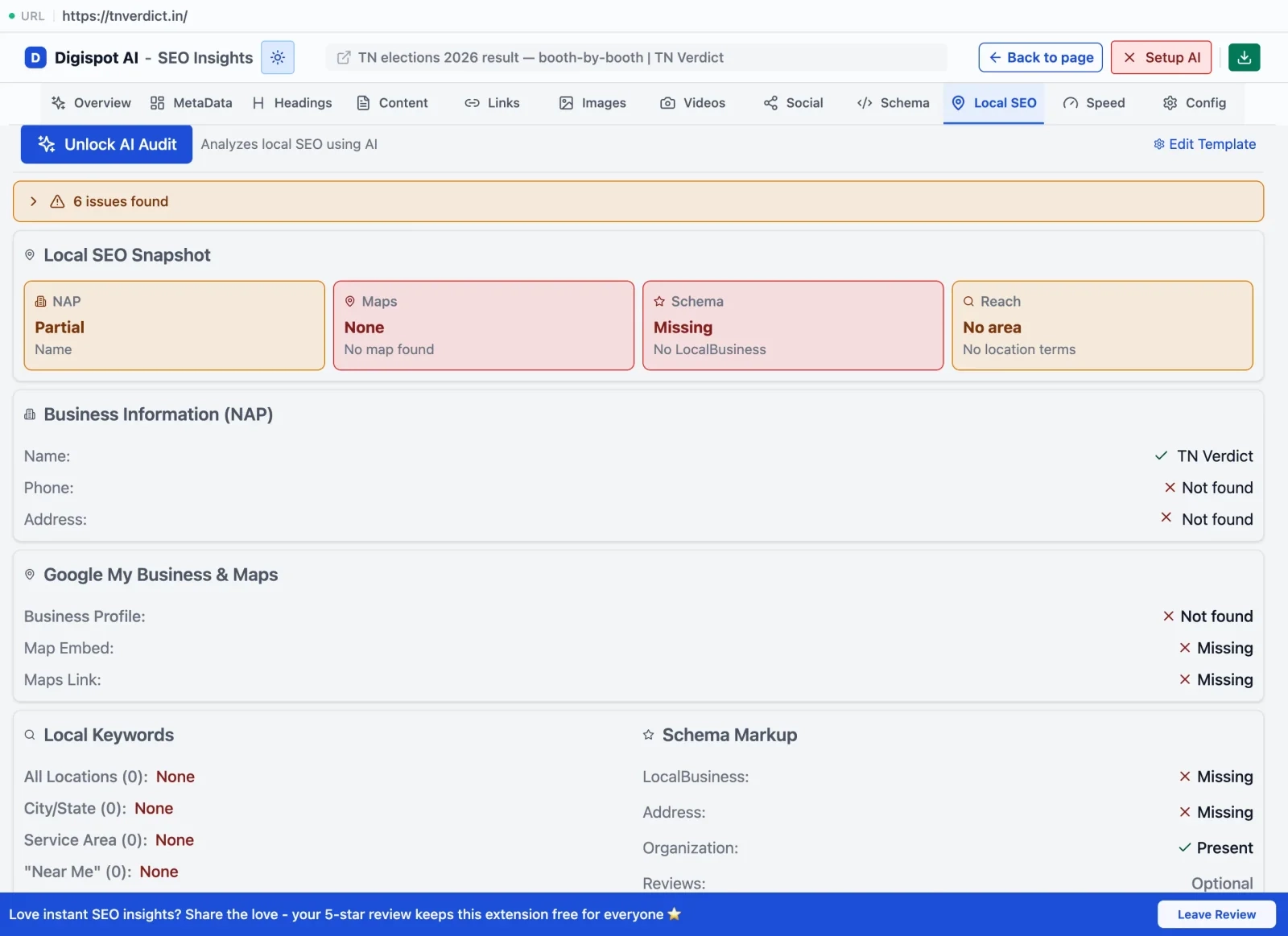
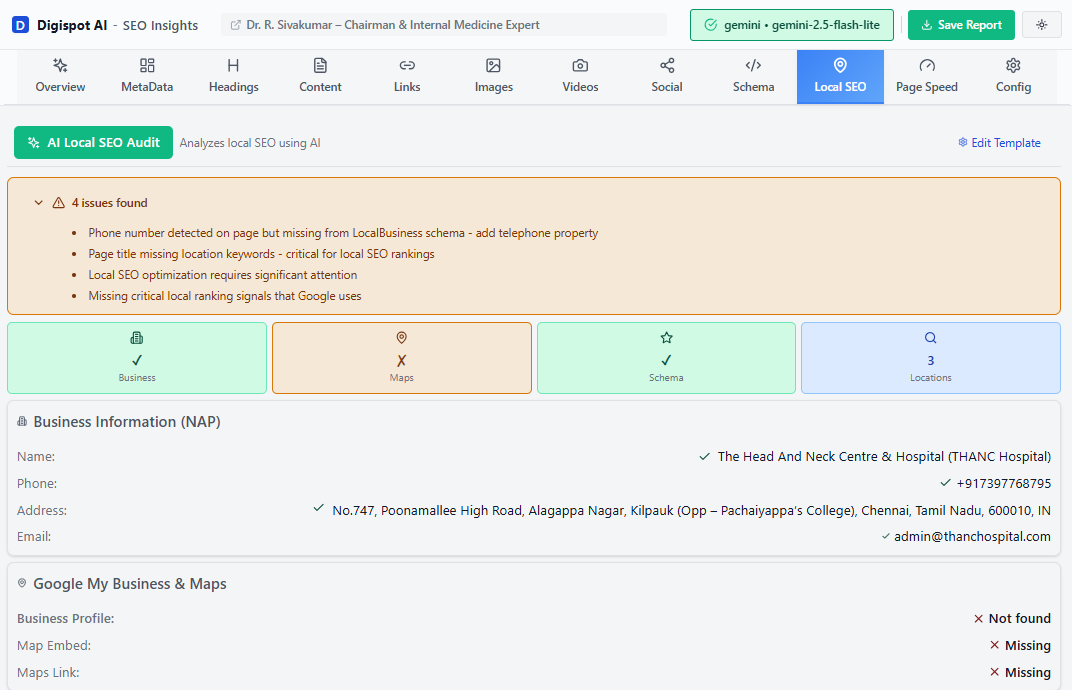
Your NAP data must be identical across the web. If your GBP says "St.," but your website says "Street," and Yelp says "Ste 100," Google's confidence in your data drops.
- Name: Exact legal business name.
- Address: Physical location (or hidden for Service Area Businesses).
- Phone: A local number with area code is preferable to a toll-free number for local relevance.
Learn more about how consistent data impacts your authority in our local SEO complete guide.
Business Categories (The #1 Ranking Factor)
Your primary category determines which searches trigger your listing.
- Primary Category: Be specific. Choose "Personal Injury Attorney" rather than just "Lawyer."
- Secondary Categories: Add up to 9 relevant categories. If you are a supermarket that also has a pharmacy and a bakery, list those as secondary categories.
Pro Tip: Use the free Chrome extension to spy on competitors. Visit a competitor's listing on Maps to see which secondary categories they are using to rank.
Step 3: optimizing the "From the Business" Description
Google allows 750 characters for your business description. Only the first 250 characters are visible before the "More" truncation occurs.
Writing for Rank and Conversion
Do not stuff keywords. Write a pitch that highlights your Unique Selling Proposition (USP).
Structure:
- Sentence 1-2: Who you are + Main Service + City. (e.g., "Digispot AI is a premier SEO software provider helping New York agencies automate audits.")
- Middle: Differentiators (awards, years in business, specific methodologies).
- End: Call to Action (CTA) and secondary services.
Avoid:
- Links (they aren't clickable).
- ALL CAPS (looks spammy).
- Promotional offers (save those for "Posts").
Step 4: Visual Search & Media Strategy
Google is increasingly visual. Listings with photos receive 42% more requests for directions and 35% more click-throughs to websites.
The Mandatory Shot List
- Logo: High-resolution square format.
- Cover Photo: This is your "hero" image. Note that Google's algorithm may swap this out based on user queries, but you should still designate a preference.
- Exterior: Help customers find you. Show the storefront, signage, and parking.
- Interior: Show the vibe. Empty waiting rooms look sterile; show spaces with people if possible (with permission).
- Team: Humanize the brand. Photos of staff build trust before the visit.
Video
Upload 30-second clips of your team working, a tour of the office, or a product demo. Videos auto-play in search results often, grabbing attention in a static list.
Step 5: Products and Services (Semantic Context)
This section helps Google understand exactly what you offer. It connects the dots between your brand entity and specific search queries.
Services Editor
Google often auto-populates this based on your website content. Review this regularly.
- Delete irrelevant services.
- Add custom services with descriptions and prices (if applicable).
Products Editor
This is a visual carousel that appears on your profile.
- Image: Product photo.
- Name: Specific product name.
- Category: Group products logically.
- Description: Include LSI keywords.
- Button: Link directly to the specific product landing page on your site.
Technical Note: To ensure Google correlates your GBP products with your website data, use Product Schema on your website. Use the free Schema Markup Generator to create valid structured data in minutes.
Step 6: Managing Reviews and Reputation
Reviews are a weighted ranking factor. High ratings improve visibility; keyword-rich reviews improve relevance.
The Solicitation Strategy
Do not buy reviews. Do not "gate" reviews (asking happy customers to post publicly and unhappy ones to email you). Both violate policies.
- Timing: Ask immediately after a successful transaction.
- Ease: Provide a direct short-link (found in your GBP dashboard).
The Response Strategy
Reply to every review.
- Positive: "Thanks, Sarah! We're glad you enjoyed the [Service Name]." (Reinforces the keyword).
- Negative: Acknowledge, apologize, and take it offline. "I'm sorry you had this experience. Please contact us at [Phone] so we can make it right."
Consistent responses signal to Google that the business is active and cares about customer experience—a key component of E-E-A-T. For more on building trust signals, read our E-E-A-T SEO guide.
Step 7: Utilizing Google Posts
Think of Google Posts as a micro-blog on your knowledge panel. They expire (usually after 6 months, though event posts expire after the event), but they are powerful for conversion.
Types of Posts
- Update: General news ("We now offer 24/7 support").
- Offer: Discount codes or sales ("20% off Winter Inspections"). These include a start/end date.
- Event: Webinars, open houses, or local meetups.
Best Practices
- Use a strong visual (4:3 aspect ratio).
- Keep copy under 100 words.
- Always include a "Learn More" or "Sign Up" button.
Step 8: Q&A - The Hidden Opportunity
Anyone can ask a question on your profile, and anyone can answer it. This is a risk. If a user asks, "Is there parking?" and a Local Guide answers "No," you might lose business—even if you actually have a private lot.
Proactive Management:
- Monitor alerts: Get notified of new questions. Answers from the verified owner carry an "Owner" badge, which signals authority to both searchers and Google.
- Seed your own FAQ: You can ask and answer your own questions. Post your top 5 customer service questions (Parking, Pricing, Insurance, etc.) and answer them officially as the business owner. Upvote the most useful answers so they surface first in the knowledge panel.
- Write for the query, not just the customer: Phrase seeded questions the way people actually search ("Do you offer same-day appointments?") so the Q&A block doubles as long-tail keyword coverage that AI search engines can lift into answers.
- Prune bad information fast: If a Local Guide leaves an inaccurate answer, reply with the correct one and report the offending entry. You cannot delete third-party answers directly, but an authoritative, upvoted owner response usually outranks them.
Because Q&A content is one of the few free-text surfaces on your profile, it pairs naturally with a broader answer engine optimization strategy—the same question-and-answer framing that wins AI Overviews works here.
Step 9: Service Area Businesses (SABs)
If you are a plumber, consultant, or locksmith visiting clients, you do not need a storefront.
- Hide Address: During setup, select "No" when asked if you have a location customers can visit. If you already published a public address by mistake, edit the profile and clear it—do not delete and recreate the listing, as that forfeits your reviews.
- Service Areas: define specific cities or zip codes. You can list up to 20 areas. Avoid setting the radius too wide (e.g., "Entire USA"). Google prioritizes local relevance. If you are based in Chicago, ranking in Seattle is unlikely without a physical presence there.
- Anchor to a real city: SABs still rank strongest closest to their registered address, so define your service areas outward from that hub rather than around every market you wish you served.
- Build supporting pages: Because SABs lack a storefront photo advantage, lean harder on service pages, embedded maps, and localized content. Our near-me searches guide covers how to capture the high-intent proximity queries SABs depend on, and geo-targeting for local search explains how to structure pages per service area without triggering duplicate-content issues.
Step 10: Attributes and Special Features
Attributes act as filters in search. Users search for "hotels with free wifi" or "restaurants with outdoor seating."
Check Your Attributes Quarterly
Google frequently adds new attributes based on trends (e.g., "Health & Safety," "LGBTQ+ friendly," "Black-owned"). Toggle everything that applies. These attributes are direct inputs for AI search overviews.
Ready to improve your search visibility? Try Digispot AI for comprehensive website audits that check if your on-page data aligns with your off-page local signals.
Troubleshooting: Suspensions and Duplicates
Suspensions
If your listing disappears, do not panic, and do not create a new one.
- Review the guidelines to identify the violation (usually Name, Address, or prohibited content).
- Fix the issue in the dashboard.
- Submit a reinstatement form with proof (utility bill, business license).
Duplicates
Duplicate listings split your review equity.
- Search for your business on Maps.
- If you find a duplicate, click "Suggest an edit."
- Select "Close or remove" > "Duplicate of another place."
Integrating GBP with Your Broader SEO Strategy
Your GBP does not exist in a vacuum. It must be supported by your website's organic SEO.
Local Landing Pages
Link your GBP to a specific location page, not just your homepage (unless you have only one location). This page should feature:
- Embedded Google Map.
- Same NAP info.
- Local content (landmarks, directions).
- Local Business Schema.
Learn how to structure these pages effectively in our advanced schema markup guide.
Citations
Build citations (mentions of your NAP) on other reputable directories like Yelp, YellowPages, and industry-specific sites. Consistency here reinforces Google's trust in your GBP data. Our dedicated local citations guide walks through which directories matter most and how to audit them, while improving your backlink profile covers the off-page authority signals that support your rankings.
Conclusion: Start Dominating Local Search Today
Optimizing your Google Business Profile is not a "set it and forget it" task. It is an active channel that requires weekly monitoring, posting, and refining.
In the era of AI search, your GBP is the source of truth for your business's existence in the physical world. By feeding Google detailed, accurate, and visual data, you ensure that whether a customer searches via Maps, Voice, or AI chat, your business is the recommended answer.
Action Plan for This Week:
- Audit your NAP across your site and GBP.
- Upload 5 new photos (interior and team).
- Seed your Q&A with 3 common questions.
- Post a "New Offer" to drive immediate traffic.
Ready to take the guesswork out of your SEO strategy? Try the free On-Page SEO Analysis tool to see how well your website supports your local search efforts.
Related deep-dives
Continue with these closely related guides:
- to rank higher — How to Rank Higher in Google Maps (2026 Local SEO Guide)
- to get more — How to Get More Google Reviews: 12 Proven Strategies for 2025
- google business profile — Master Google Business Profile SEO: The 2026 Ranking Framework
References
Audit any page in seconds
300+ SEO checks including Core Web Vitals, schema markup, meta tags, and AI readiness — trusted by 1000+ SEO experts and marketers.
Frequently Asked Questions
Here are some of our most commonly asked questions. If you need more help, feel free to reach out to us.
Written by
Maya Krishnan
Digital growth expert
Maya is a seasoned expert in web development, SEO, and digital strategy, dedicated to helping businesses achieve sustainable growth online. With a blend of technical expertise and strategic insight, she specializes in creating optimized web solutions, enhancing user experiences, and driving data-driven results. A trusted voice in the industry, Maya simplifies complex digital concepts through her writing, empowering readers with actionable strategies to thrive in the ever-evolving digital landscape.