Toxic Backlinks: The Complete Removal & Disavow Guide
Learn how to identify, remove, and disavow toxic backlinks safely. Protect your site from Google penalties with a step-by-step recovery framework.
 Maya Krishnan
One morning, you check your analytics and see a sharp, unexplained drop in organic traffic. Your content hasn't changed, and your site speed is fine. But when you look at your backlink profile, you find thousands of new links from "cheap-viagra-best-buy.net" or suspicious directory sites in foreign languages.
You might be the victim of a negative SEO attack, or perhaps legacy link-building tactics from five years ago have finally triggered a Google penalty.
Bad backlinks act like anchors on your SEO performance. While high-quality links are the fuel that drives rankings, toxic backlinks can trigger algorithmic devaluation or manual actions that wipe out your visibility overnight. Cleaning up these links is the defensive counterpart to link building in SEO: both shape the profile Google uses to judge your authority.
However, the "disavow" button isn't a magic wand—it's a power tool that can cause as much damage as it fixes if mishandled.
This guide walks you through the precise mechanics of identifying toxic links, the decision matrix for removal versus disavowal, and the safe execution of a backlink cleanup strategy to restore your site’s authority.
What Are Toxic Backlinks?
Toxic backlinks are inbound links to your website from low-quality, suspicious, or irrelevant sources that violate Google's "Spam Policies for Google Web Search." Unlike natural links, which act as votes of confidence, toxic links signal to search engines that your site might be trying to manipulate rankings artificially.
While Google's Penguin 4.0 update (now part of the core algorithm) largely shifted from penalizing bad links to simply ignoring them, excessive spam or deliberate manipulation patterns can still trigger consequences.
The Anatomy of a Bad Link
Not every low-authority link is toxic. A link from a new personal blog isn't harmful just because it has a low Domain Authority (DA). A truly toxic link usually exhibits specific characteristics:
- Irrelevance: A link from a gambling site pointing to a dental practice.
- Over-Optimized Anchors: Hundreds of links using exact-match commercial keywords like "best SEO agency" instead of the brand name.
- Link Farms/PBNs: Networks of interlinked sites created solely to sell links, often featuring thin content and duplicate designs.
- Malware/Hacked Sites: Links originating from compromised domains.
- Automated Spam: Links from auto-generated comments, forum profiles, or directory submissions.
Understanding these distinctions is vital. Digispot AI uses advanced pattern recognition to differentiate between a harmless low-authority link and a dangerous toxic link that threatens your site's health.
The Risks: Manual Actions vs. Algorithmic Filters
Before you start deleting links, you must understand what you are fighting.
1. Manual Actions
A Manual Action is a human-imposed penalty by a Google reviewer. You will receive a notification in Google Search Console (GSC) under "Security & Manual Actions."
- Severity: Critical. Your site or specific pages may be de-indexed entirely.
- Cause: Clear violation of guidelines (e.g., "Unnatural links to your site").
- Resolution: Requires manual cleanup, disavowal, and a Reconsideration Request.
2. Algorithmic Devaluation
This is silent. You won't get a notification. You will simply see a gradual or sharp decline in rankings as the algorithm discounts your link equity or flags your profile as untrustworthy.
- Severity: High to Moderate.
- Cause: High volume of low-quality links triggering spam filters.
- Resolution: Audit and disavow (no reconsideration request needed).
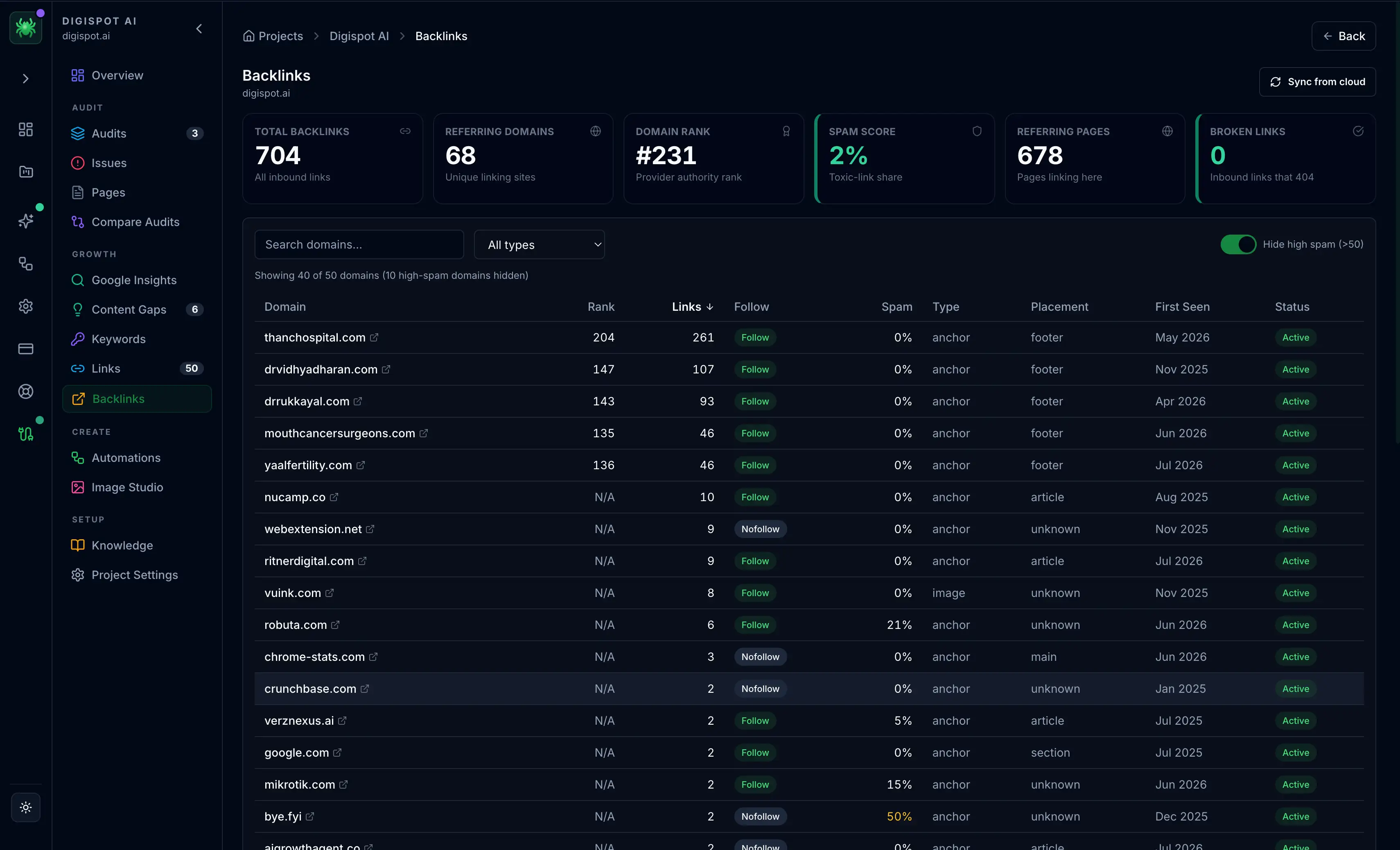
Step 1: Identifying Toxic Backlinks
You cannot fix what you cannot see. A comprehensive backlink audit is the first line of defense.
Gathering Your Data
Do not rely on a single source. Different crawlers find different links.
- Google Search Console (GSC): The most accurate source of what Google actually sees. Go to Links > External Links > Top Linking Sites > Export.
- Third-Party Tools: Ahrefs, Semrush, or Majestic often have larger historical databases.
- Digispot AI Platform: Aggregates data sources and applies AI analysis to score link toxicity based on context, not just metrics.
Analyzing the Data
Once you have your spreadsheet of referring domains, look for these red flags:
- TLD Patterns: A sudden influx of links from
.xyz,.club,.ru, or.cndomains (unless your audience is located there). - Anchor Text Spikes: If 40% of your links say "buy cheap shoes," you have a problem. Natural profiles are mostly branded anchors.
- IP Neighborhoods: Multiple domains hosted on the same IP subnet usually indicate a Private Blog Network (PBN).
- Site Quality: Domains with near-zero traffic or massive outbound link counts (e.g., a "resources" page with 500 links).
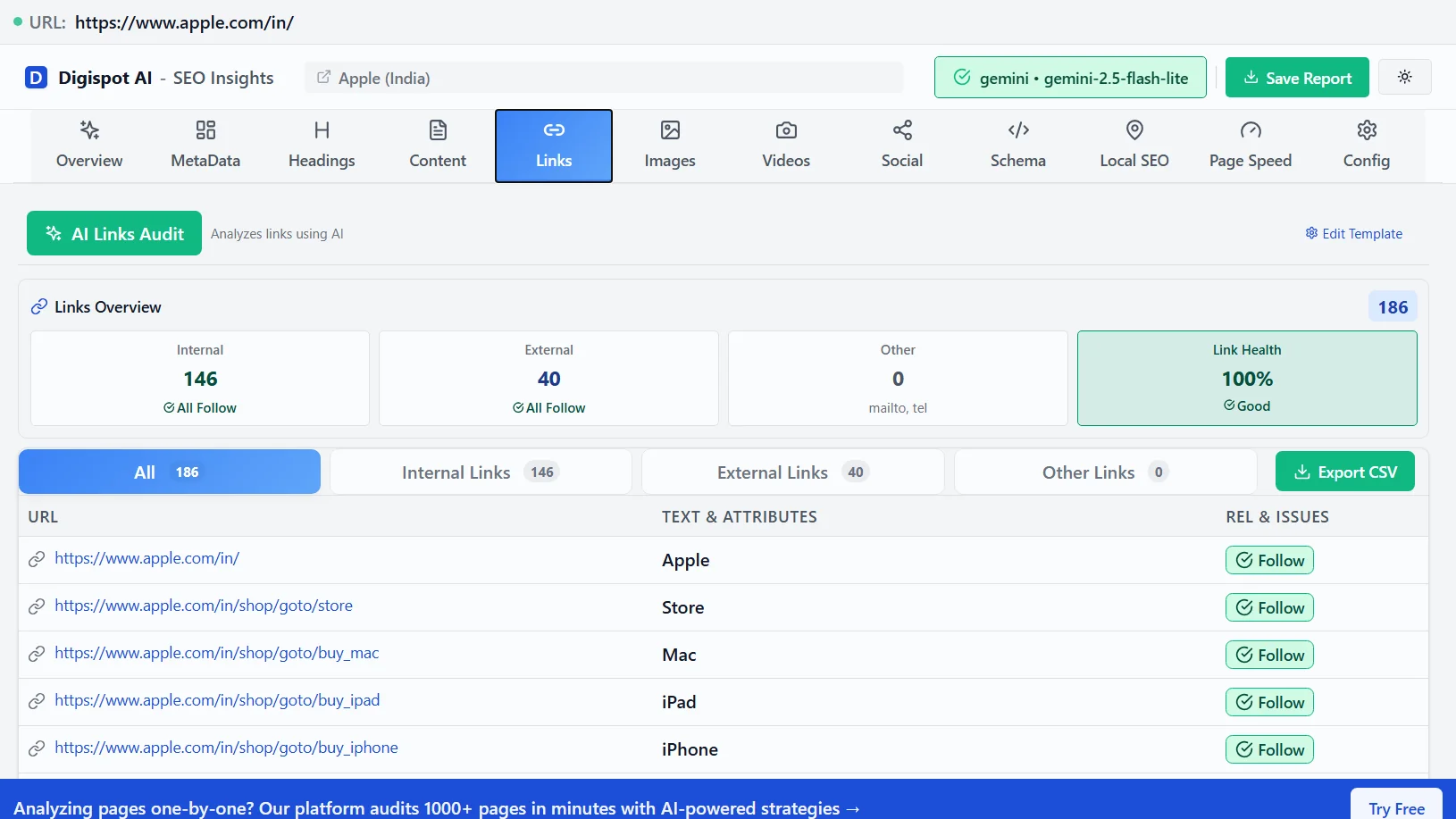
If you are unsure whether a link is truly harmful, check our guide on free quality backlinks to understand what a healthy link profile should look like.
Step 2: The Removal Protocol (Before Disavowing)
Google’s documentation explicitly states that you should try to remove links manually before using the disavow tool, especially for manual actions. This demonstrates "good faith" effort.
1. Find Contact Information
Visit the linking site. Look for "Contact Us," "About," or a footer email. If those are missing, use WHOIS lookup tools to find the registrant's email.
2. Send Removal Requests
Be professional, concise, and firm. Do not be aggressive.
Template for Removal Request:
Subject: Link Removal Request for [Your Domain]
Hello,
I am auditing the backlink profile for [Your Website URL]. We noticed a link pointing to our site from this page: [URL of page with the link].
We are cleaning up our link profile to comply with search engine quality guidelines. We kindly request that you remove this link or add a rel="nofollow" attribute to it.
Please confirm once this has been updated.
Thank you, [Your Name]
3. Document Everything
Keep a spreadsheet of who you contacted, when, and the outcome. If you file a reconsideration request later, Google will want to see this evidence.
Step 3: Mastering the Disavow Tool
If manual removal fails (which it often does with spam sites), or if the volume is too high to manage manually, it is time to disavow.
Warning: The Disavow Tool is an advanced feature. If you disavow high-quality links by mistake, you can hurt your rankings. Proceed with caution.
Creating the Disavow File
The file must be a simple .txt file encoded in UTF-8 or 7-bit ASCII.
Syntax Rules:
- Disavow a specific URL: Useful if a good site has one bad page.
http://spam-site.com/bad-page.html - Disavow an entire domain: (Recommended for most spam). This blocks links from the entire site.
domain:spam-site.com - Comments: You can add notes for yourself (Google doesn't read these, but they help organization).
# Disavowing spammy directory links found on Dec 30, 2025
domain:bad-directory.com
domain:free-links-4u.net
Common Mistakes to Avoid
- Don't include
wwwin the domain directive unless you only want to block the subdomain. usually,domain:example.comcovers bothwwwand non-www. - Don't upload a Word doc or Excel file. It must be
.txt. - Don't panic-disavow. A few weird links are normal. Only disavow if you see a pattern or a penalty.
For a quick check of your site's current health before diving deep, get instant insights with our free Chrome extension.
Uploading to Google
- Go to the Google Disavow Links Tool page.
- Select your property.
- Click Upload Disavow List.
- If a file already exists, download it first! Combine your new list with the old one, then upload the combined file. Uploading a new file overwrites the previous one.
Recovering from Negative SEO Attacks
Negative SEO is a malicious attempt to sabotage a competitor's rankings by pointing thousands of toxic links at their site.
Detection
If you see a vertical line on your backlink growth chart, you are likely under attack. Digispot AI monitors link velocity to alert you of these spikes in real-time.
Mitigation Strategy
- Speed is key. The faster you disavow, the less likely the links are to impact your rankings.
- Filter by TLD/Anchor. If the attack uses a specific pattern (e.g., all links from
.rudomains with anchor "poker"), filter your export to isolate these quickly. - Upload weekly. During an active attack, you may need to update your disavow file every week until the attack subsides.
For broader protection strategies, read our guide on E-E-A-T signals, which helps build a "trust shield" around your brand, making it harder for spam links to drag you down.
What Happens After You Disavow?
Patience is the hardest part of SEO recovery.
The Timeline
Google does not process the file instantly. It processes the directives as it re-crawls the web.
- Small sites: 2-4 weeks.
- Massive spam networks: Can take months for Google to revisit all those low-quality pages and apply the "no-follow" status internally.
Reconsideration Requests (Manual Actions Only)
If you have a Manual Action, you must file a request after uploading your disavow file.
- Be honest. Admit the issue (even if you didn't cause it, acknowledge it exists).
- Show evidence. Link to your removal spreadsheet.
- Explain safeguards. What are you doing to prevent this from happening again?
Maintaining a Healthy Link Profile
Prevention is cheaper than cure. Regular audits prevent toxic debt from accumulating.
The Quarterly Audit Routine
- Check Growth Velocity: Are you gaining links faster than your content justifies?
- Review Anchors: Is your brand name still the dominant anchor text?
- Spot Check New Referrers: Manually visit 5-10 new referring domains to assess quality.
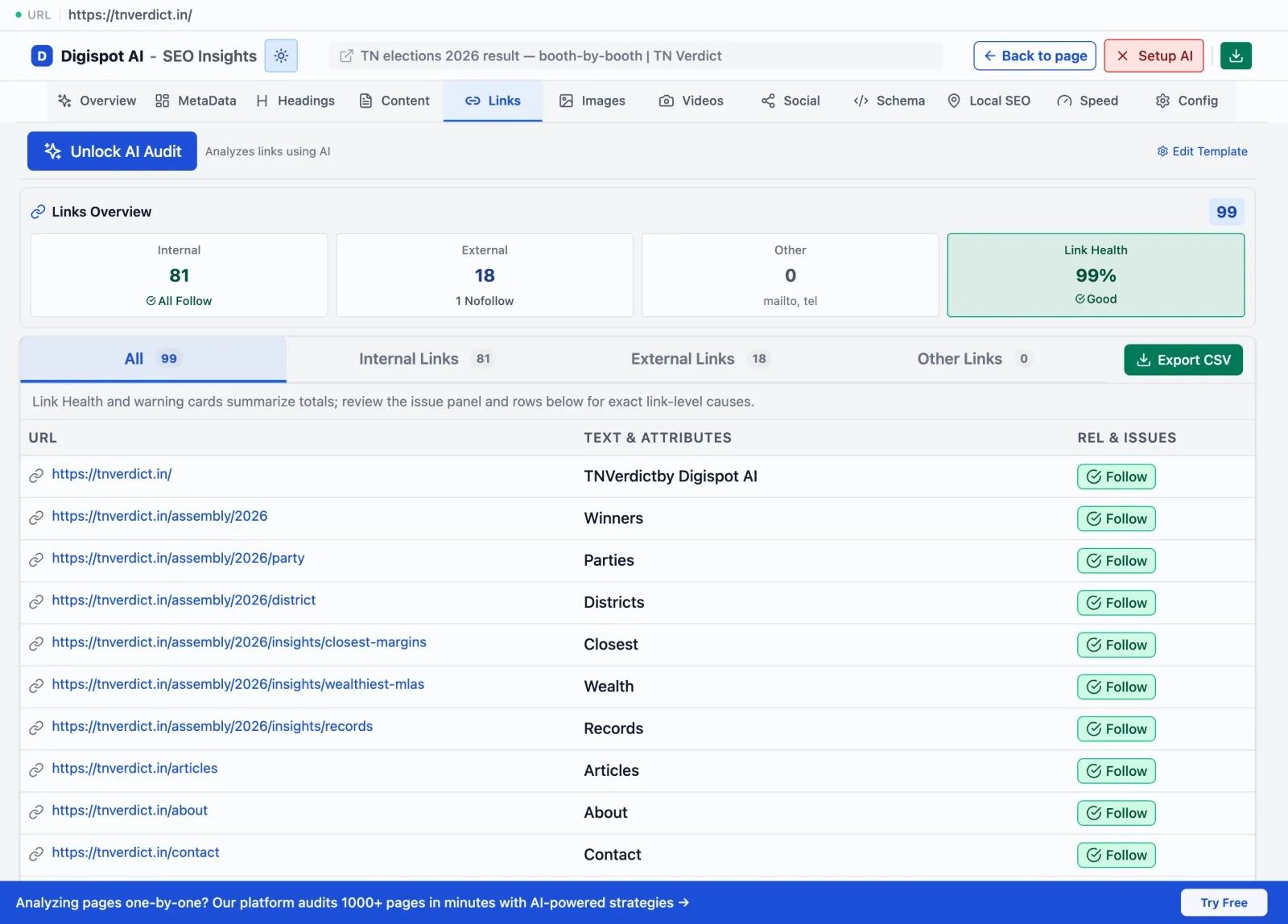
Use the free On-Page SEO Analysis tool in conjunction with your backlink audits. Sometimes, a drop in traffic is blamed on backlinks when it's actually technical debt or content decay. Ensuring your on-page SEO best practices are solid helps isolate external variables.
When NOT to Disavow
It is crucial to know when to put the tool down. Google has become very good at ignoring "cruft"—random scraper sites that link to everyone.
Do NOT disavow if:
- You have no manual action and rankings are stable.
- The links are just "low quality" but not "spammy" (e.g., a small hobby blog).
- You aren't sure. If you don't know why a link is bad, ask an expert or use a tool like Digispot AI to analyze the context.
Remember, removing links reduces your total link count. If you remove links that were actually passing value (even a little), your rankings will drop. This is why accurate identification is critical.
To ensure your site remains technically sound during this process, refer to our SEO Audit Checklist 2026. It covers the foundational elements that support your link profile.
Start Improving Your Link Hygiene Today
Toxic backlinks are a liability that can silently erode your digital real estate value. Whether you are recovering from a manual penalty or proactively shielding your site from negative SEO, the path to recovery lies in data-driven auditing and precise execution.
Don't let spam dictate your search visibility.
Ready to improve your search visibility? Try Digispot AI for comprehensive website audits, real-time backlink monitoring, and actionable recommendations to keep your SEO profile clean and authoritative.
References
Audit any page in seconds
300+ SEO checks including Core Web Vitals, schema markup, meta tags, and AI readiness — trusted by 1000+ SEO experts and marketers.
Frequently Asked Questions
Here are some of our most commonly asked questions. If you need more help, feel free to reach out to us.
Written by
Maya Krishnan
Digital growth expert
Maya is a seasoned expert in web development, SEO, and digital strategy, dedicated to helping businesses achieve sustainable growth online. With a blend of technical expertise and strategic insight, she specializes in creating optimized web solutions, enhancing user experiences, and driving data-driven results. A trusted voice in the industry, Maya simplifies complex digital concepts through her writing, empowering readers with actionable strategies to thrive in the ever-evolving digital landscape.