SEO Site Migration Checklist: The Ultimate 2026 Guide
Protect rankings and minimize traffic loss with this step-by-step SEO site migration checklist covering audits, redirect mapping, and recovery.
 Maya Krishnan
Imagine waking up to find 60% of your organic traffic gone overnight. For many businesses, this nightmare becomes reality after a botched website migration.
Changing your domain, CMS, or URL structure is one of the riskiest operations in SEO, and it tests every part of your technical SEO foundation at once. It’s akin to moving a physical store: if you don’t put up a sign telling customers where you went, they simply stop showing up. Google and Bing work the same way. If they can't find your new address, your hard-earned authority vanishes.
An effective migration isn't just about moving files; it's about transferring trust.
This SEO site migration checklist covers every critical step required to protect your rankings. Whether you are rebranding, moving to a new CMS, or switching to HTTPS, this guide provides the precise protocols to ensure a seamless transition.
Phase 1: Pre-Migration Planning and Benchmarking
You cannot measure success if you don't know where you started. The planning phase is where you mitigate 80% of the risk. Before a single line of code changes, you need a snapshot of your current existence on the web.
1. Crawl Your Legacy Site
You need a complete inventory of every URL on your current site. Do not rely on your CMS database alone, as it may miss orphan pages or old landing pages that still get traffic.
Use a crawler to generate a full list of:
- All indexable HTML pages
- Images and assets
- PDF files
- Status codes (200, 301, 404)
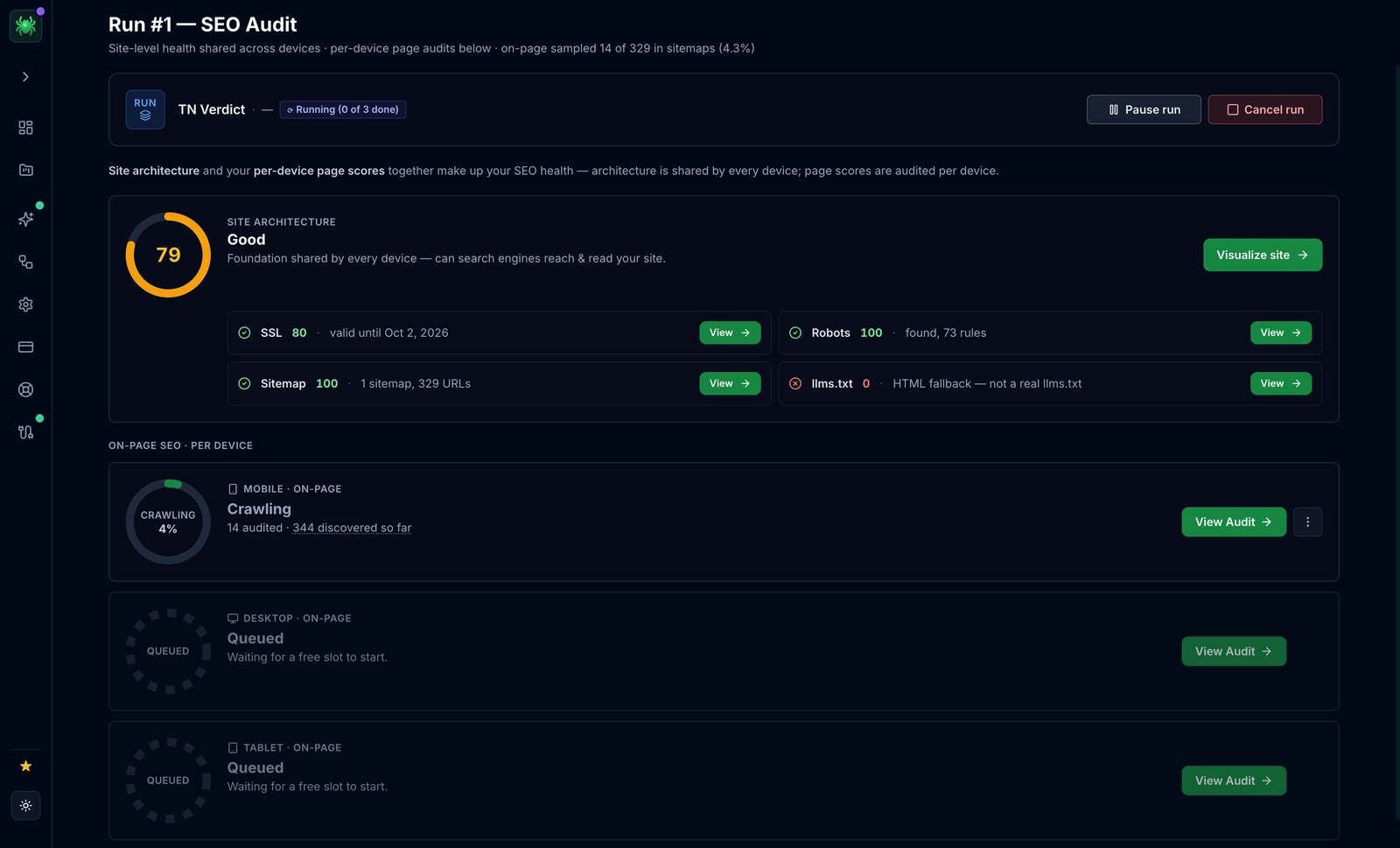
You should also export your top-performing pages from Google Search Console (GSC) and Google Analytics 4 (GA4). Combine these lists to ensure no high-traffic page is left behind.
2. Establish Performance Benchmarks
Document your current metrics. If traffic drops post-launch, you need to know if it's site-wide or specific to certain page types.
Record the following data points:
- Average organic traffic (daily/weekly)
- Keyword rankings for your top 100 keywords
- Site speed scores (Core Web Vitals)
- Indexed page count in Google Search Console
- Total backlink count and referring domains
Digispot AI can help you automate this benchmarking process, creating a baseline profile of your site’s health before you begin the migration.
3. Define the Migration Scope
Be specific about what is changing. Mixing too many variables makes troubleshooting difficult.
Are you changing:
- Protocol? (HTTP to HTTPS)
- Domain Name? (example.com to newbrand.com)
- URL Structure? (/blog/post-name to /news/post-name)
- CMS/Platform? (WordPress to Shopify, React, etc.)
- Design/Content? (Full redesign vs. lift-and-shift)
Pro Tip: If possible, avoid changing your design and your URL structure at the same time. Changing everything at once makes it impossible to isolate the cause if rankings drop.
Phase 2: Staging Environment Preparation
Never migrate directly to production. You need a sandbox—a staging environment—that mimics your live site exactly but is invisible to search engines.
4. Secure the Staging Site
Prevent Google from indexing your unfinished site. If Google indexes your staging site, it creates duplicate content issues that can hurt your live site immediately.
Use HTTP Basic Authentication (password protection) as your primary defense. This prevents crawlers from accessing the content entirely.
Alternatively, use the robots.txt file or meta tags, though these are less secure than password protection:
User-agent: *
Disallow: /
Or a meta tag in the <head>:
<meta name="robots" content="noindex, nofollow">
5. Review Internal Links
On the staging site, ensure all internal links point to the new URL structure, not the old one. If you migrate and your navigation menu still links to old URLs, you force users and bots through unnecessary redirect chains, slowing down the site and wasting crawl budget.
6. Test Core Web Vitals
New designs often come with code bloat. Before you launch, check the Core Web Vitals on the staging site. Ensure your Largest Contentful Paint (LCP) and Cumulative Layout Shift (CLS) are within green thresholds. A faster site on staging means a faster site on launch.
Phase 3: The Redirect Strategy (Map of Success)
This is the most critical section of your SEO site migration checklist. Redirects are the bridges that carry your old authority to your new destination.
7. Create a Complete Redirect Map
You need a 1-to-1 map matching every old URL to its most relevant new counterpart.
Do not redirect everything to the homepage. This is a common "lazy" mistake known as a Soft 404. If a user clicks a result for "Red Running Shoes" and lands on your homepage, they will bounce. Google treats this as a 404, and you lose the ranking for that specific term.
Redirect Mapping Rules:
- Exact Match: Old Page A -> New Page A
- Near Match: Old Page B (discontinued) -> New Page Category B
- No Match: Old Page C (obsolete content) -> 404 or 410 (Gone)
8. Use 301 Redirects (Permanent)
Ensure your developers use 301 Permanent Redirects.
- 301: Tells Google "I have moved permanently. Pass my credit to the new address."
- 302: Tells Google "I am away temporarily. Keep ranking the old address."
Using 302s for a permanent move is a disaster for SEO. Verify the header response codes using the On-Page SEO Analysis tool.
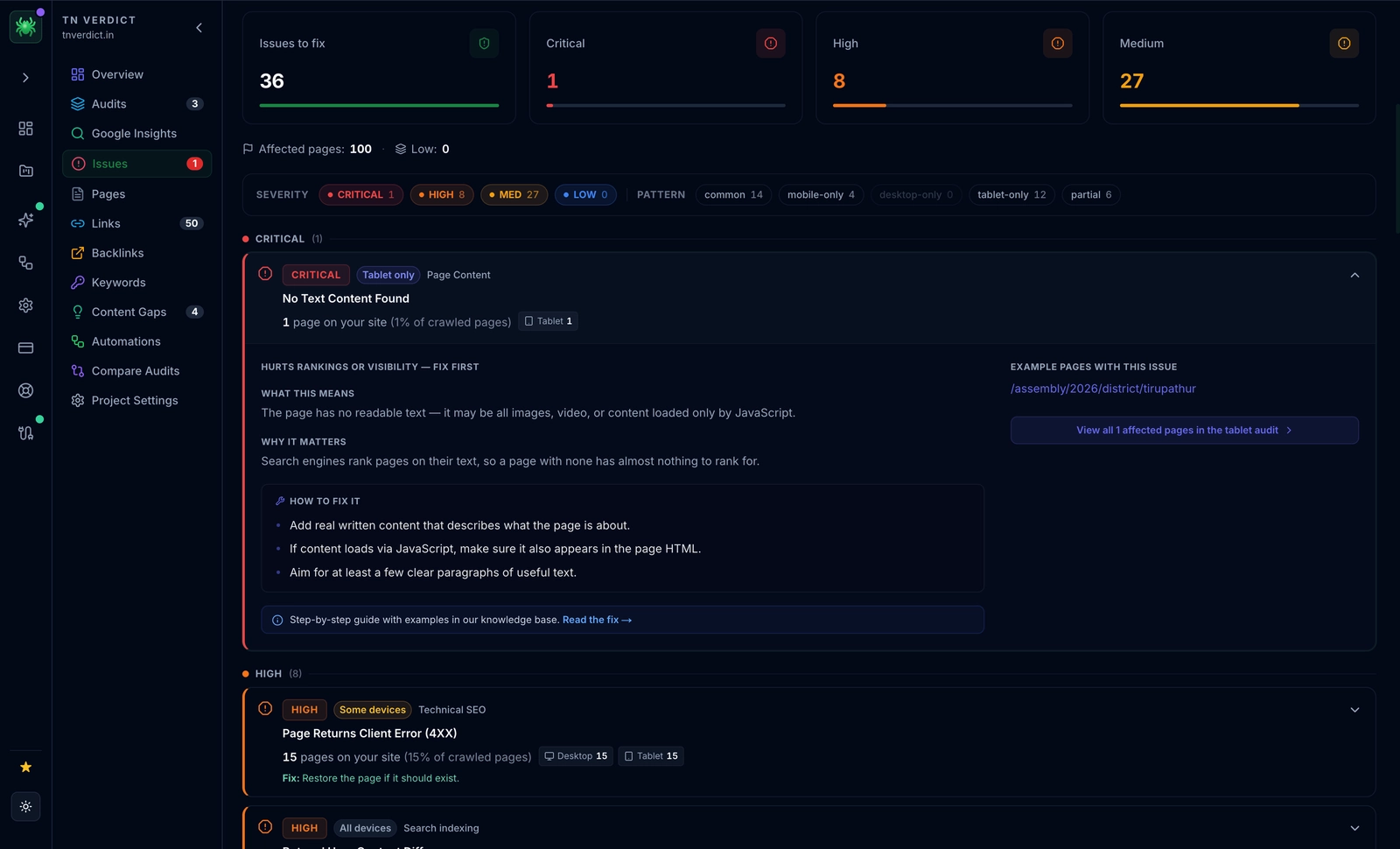
9. Avoid Redirect Chains
A chain occurs when URL A redirects to URL B, which then redirects to URL C.
- Bad:
old-site.com/page->new-site.com/page->new-site.com/page/(trailing slash) - Good:
old-site.com/page->new-site.com/page/
Chains increase latency and Google may stop following them after 5 hops, failing to index the final destination.
Phase 4: Technical Infrastructure and Content
With the structure in place, focus on the content and technical signals that search engines read.
10. Update Canonical Tags
Self-referencing canonical tags on the new site must point to the new URLs.
If new-site.com/page-a has a canonical tag pointing to old-site.com/page-a, you are telling Google to ignore the new page. This prevents indexation.
11. Verify Schema Markup
Structured data is vital for E-E-A-T and AI search visibility. Ensure your Schema (Product, Article, Organization) is present on the new templates.
Use the Schema Markup Visualizer to verify there are no syntax errors. If your URLs changed, ensure the @id and url fields in your JSON-LD are updated to the new domain.
12. Generate New XML Sitemaps
Prepare a new XML sitemap containing only the new canonical URLs. Do not submit this yet. Have it ready for launch day.
Strategy Tip: Keep a copy of your old XML sitemap. After launch, you can submit the old sitemap to GSC to encourage Google to crawl the old URLs, hit the redirects, and update their index faster.
Phase 5: Launch Day Execution
The switch has been flipped. It’s time to go live. This phase requires precision and immediate validation.
13. Remove Staging Restrictions
Crucial: Remove the noindex tags and password protection from the production environment. It sounds obvious, but forgetting to remove noindex is one of the common SEO mistakes that de-indexes entire sites.
14. Update DNS Settings
Change your DNS records (A records, CNAME) to point to the new server. DNS propagation can take up to 48 hours, but often happens much faster.
15. Submit Change of Address in GSC
If you changed domains (e.g., .net to .com), use the Change of Address Tool in Google Search Console. This tells Google explicitly to move the signals from the old property to the new one.
Note: This tool is not used for HTTP to HTTPS migrations or simple redesigns.
16. Install Tracking Codes
Verify that Google Analytics 4 (GA4), Google Tag Manager, and your Digispot AI tracking pixel are firing correctly. Losing data during a migration makes it impossible to judge success.
Phase 6: Post-Migration Monitoring and Recovery
The work isn't done when the site goes live. The first 14 days are critical for catching errors before they become permanent ranking drops.
17. Test Redirects Immediately
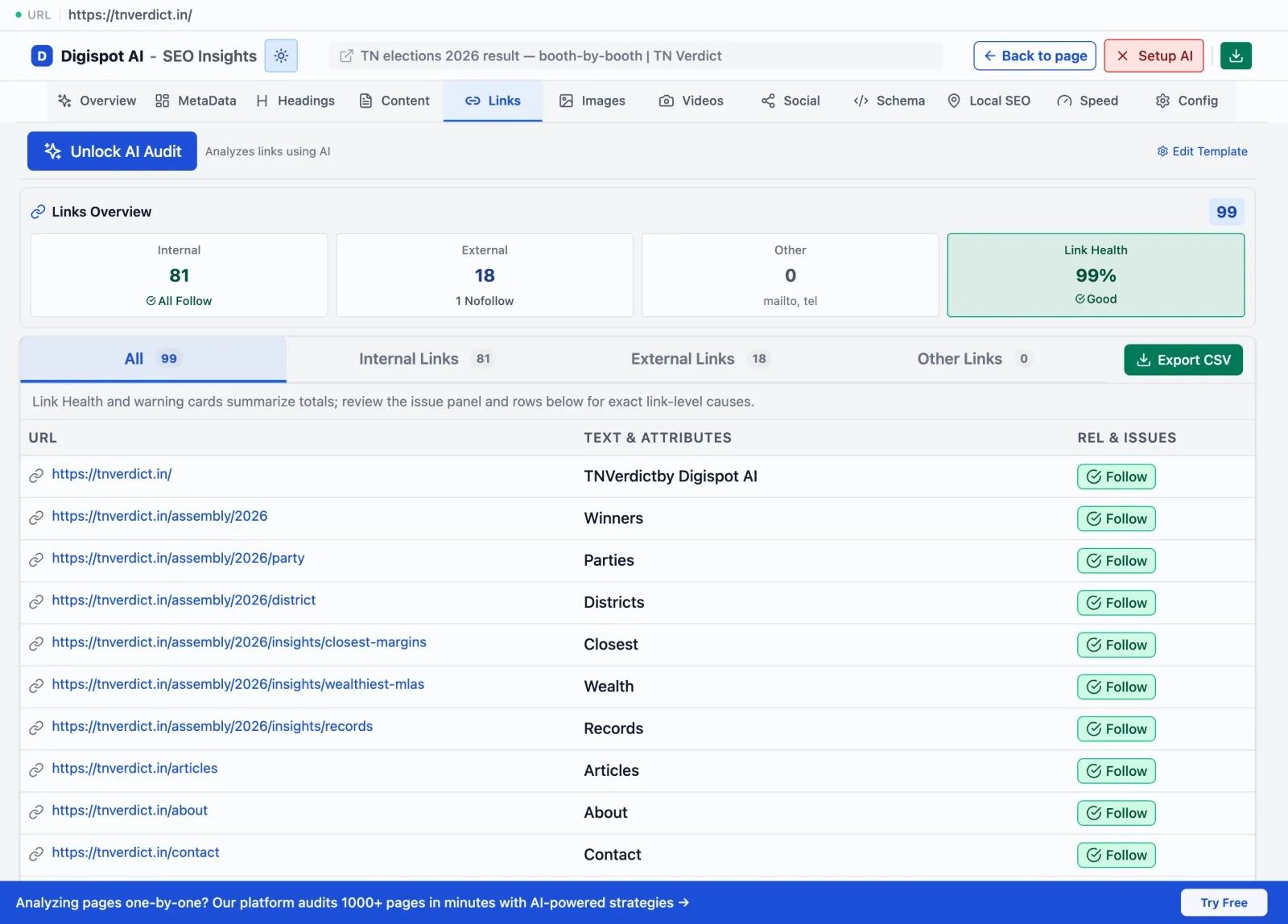
Crawl your list of old URLs. Ensure they all return a 301 status and land on the correct 200 OK page on the new site. Get instant SEO insights on any destination page with our free Chrome extension to spot check headers and meta tags manually.
18. Monitor Server Logs
Watch your server logs for 5xx errors (server failure) or unexpected 404s. During the first week, bots will crawl your site aggressively. Ensure your server resources (RAM/CPU) can handle the increased load.
19. Update Backlinks
While redirects handle the technical forwarding, direct links are always better. Contact your most valuable referring domains (partners, PR features, guest posts) and ask them to update the link to your new URL. This preserves 100% of the link equity (redirects may dampen it slightly) and improves load speed for users.
20. Audit for AEO (AI Engine Optimization)
With the rise of SearchGPT and Google AI Overviews, ensuring your entity information is clear is paramount. Check how AI platforms interpret your new site. Digispot AI includes specific AEO tracking to see if your new structure is being correctly parsed by Large Language Models (LLMs).
Troubleshooting Common Migration Issues
Even with a perfect plan, issues occur. Here is how to handle them.
Significant Traffic Drop
If traffic drops by >30%:
- Check robots.txt: Did you accidentally block the whole site?
- Check Analytics: Is the tracking code actually installed?
- Check Redirects: Are the 301s working, or are they timing out?
- Check Intent: Did you delete content that was ranking for long-tail keywords?
Fluctuating Rankings
Ranking volatility is normal. Google is re-evaluating your pages. If the content hasn't changed drastically, rankings usually return to previous levels within 4-6 weeks. Be patient and do not make panic changes to content during this flux period.
"Discovered - currently not indexed"
This status in GSC often spikes after migration. It means Google knows the page exists but hasn't crawled it yet due to overload. Ensure your server speed is high and your internal linking structure is solid to encourage faster crawling.
For a deeper dive into diagnosing these issues, refer to our SEO Audit Checklist.
The Role of Content and Experience (E-E-A-T)
A migration is often accompanied by a redesign or content refresh. Ensure that your new content maintains high standards of Experience, Expertise, Authoritativeness, and Trustworthiness.
If you consolidate three short articles into one long guide, make sure you cover all the user intents that the three original articles satisfied. If you remove author bios during a redesign, you might lose "Experience" signals.
Review our E-E-A-T SEO Guide to ensure your new site design highlights your credibility rather than hiding it.
Conclusion: Start Your Migration with Confidence
Site migrations are complex, high-stakes projects, but they are also opportunities for growth. A well-executed migration can clean up technical debt, improve site speed, and set the stage for better rankings in the future.
The difference between a disaster and a success lies entirely in the preparation. By following this SEO site migration checklist, you ensure that every redirect is mapped, every tag is in place, and your traffic is protected.
Ready to secure your migration? Don't rely on manual spreadsheets alone. Try Digispot AI for comprehensive website audits, automated redirect testing, and real-time monitoring to ensure your migration is a seamless success.
References
Audit any page in seconds
300+ SEO checks including Core Web Vitals, schema markup, meta tags, and AI readiness — trusted by 1000+ SEO experts and marketers.
Frequently Asked Questions
Here are some of our most commonly asked questions. If you need more help, feel free to reach out to us.
Written by
Maya Krishnan
Digital growth expert
Maya is a seasoned expert in web development, SEO, and digital strategy, dedicated to helping businesses achieve sustainable growth online. With a blend of technical expertise and strategic insight, she specializes in creating optimized web solutions, enhancing user experiences, and driving data-driven results. A trusted voice in the industry, Maya simplifies complex digital concepts through her writing, empowering readers with actionable strategies to thrive in the ever-evolving digital landscape.