How to Fix 'Page with Redirect' Errors in GSC
See 'Page with redirect' in GSC? Learn what this status means, when it hurts your SEO, and follow our step-by-step guide to fix redirect errors and loops.
 Maya Krishnan
You open Google Search Console, check the "Pages" report, and see a growing gray bar labeled "Page with redirect." For many site owners and SEOs, this status is confusing. Is it an error? Did you break something? Why isn't Google indexing your content?
Technical SEO relies heavily on clean architecture. When Googlebot encounters a redirect, it stops indexing that specific URL and attempts to follow the path to the destination. While this is often standard behavior, a rising number of these statuses can signal deeper structural rot—wasted crawl budget, diluted link equity, or frustrating loops that block users entirely.
This guide clarifies exactly what the page with redirect error GSC fix process involves. We will distinguish between harmless notifications and critical errors, and provide a clear path to resolving the issues that actually hurt your rankings.
Key Takeaways
- "Page with redirect" is usually normal, not an error. It confirms Googlebot found a 3xx on the source URL and indexed the destination instead—only act when the URL shouldn't redirect at all.
- Fix it when the redirected URL is in your sitemap or receives internal links. These send conflicting signals to Google and force users through unnecessary hops.
- Treat "Redirect error" as urgent. Unlike "Page with redirect," it means Google couldn't reach the destination (loop, chain too long, or broken target), so your content is effectively invisible.
- Point links and redirects directly at the final destination. Collapse chains (A → B → C becomes A → C) and update internal links to the live 200 OK URL to preserve link equity and crawl budget.
- Use 301 for permanent moves, 302 only for genuinely temporary ones. The wrong status code is a leading cause of pages that refuse to drop out of the index.
Decoding the "Page with Redirect" Status
First, let's clarify definitions. In Google Search Console (GSC), "Page with redirect" appears under the Pages > Not Indexed section.
This status technically means:
- Googlebot attempted to crawl URL A.
- URL A responded with a 3xx status code (usually 301 or 302).
- Googlebot decided not to index URL A.
- Googlebot likely added the destination (URL B) to its crawl queue (or has already indexed it).
Is It Actually an Error?
Not always. In fact, often it is the desired outcome.
If you migrated /old-product to /new-product and set up a 301 redirect, seeing /old-product marked as "Page with redirect" confirms Google respects your setup. It knows the old page is gone and shouldn't be in the index.
However, it becomes a problem requiring a fix when:
- The URL shouldn't redirect: You didn't intend to redirect this page, but a plugin or server rule is forcing it.
- Internal links point here: You are linking to the old URL throughout your site, forcing users and bots through unnecessary hops.
- It's in the Sitemap: You are explicitly telling Google "Index this" via the sitemap, but the server is saying "Go away" via a redirect.
- Redirect Loops: The page redirects to itself or in a circle (though this usually triggers a specific "Redirect error").
"Page with Redirect" vs. "Redirect Error"
GSC has two distinct statuses that sound similar but function differently.
| Status | Where it appears | Meaning | Urgency |
|---|---|---|---|
| Page with redirect | Pages > Not Indexed | The redirect works. Google chose not to index the source URL. | Low to Medium (Cleanup required) |
| Redirect error | Pages > Not Indexed | The redirect failed. Google could not reach the destination. | High (Critical fix needed) |
A Redirect error means Googlebot hit a wall. This usually happens due to:
- Redirect Chains: URL A > URL B > URL C > URL D (Google gives up after 5-10 hops).
- Redirect Loops: URL A > URL B > URL A.
- Empty URLs: Redirecting to a broken or empty string.
If you see "Redirect error," your content is invisible to Google. If you see "Page with redirect," your content might be fine, but your site structure is messy.
Why GSC Flags Redirects (The Root Causes)
Understanding why these appear helps you prevent them.
1. Trailing Slash Mismatches
This is the most common cause. Your site forces a specific format.
- User requests:
example.com/blog/seo-tips - Server forces:
example.com/blog/seo-tips/ - Result: A 301 redirect occurs. GSC sees the non-slash version as a "Page with redirect."
The trap is that the flagged URL is often the version you link to internally, while the server rewrites it to the other form. To confirm the direction, request both variants and watch the Location response header—it tells you which format your server treats as canonical. Pick one convention (with or without the slash), enforce it once at the server level, and then update any internal links that use the losing format. This ties directly into your canonical URL setup: the destination format should also be the version declared in your canonical tags and sitemap so every signal agrees.
2. HTTP to HTTPS Migration
If you haven't updated your internal links after moving to SSL, every internal click triggers a redirect from http:// to https://. Google sees the http:// version and excludes it.
This usually surfaces as a large batch of "Page with redirect" entries that all share the http:// prefix, which makes them easy to cluster. The fix is not the redirect itself—that redirect is correct and should stay—but the sources still pointing at the insecure scheme: hardcoded links in templates, image src attributes, canonical tags, and old sitemap files. Search your codebase and database for http://yourdomain.com, replace with the https:// equivalent, and regenerate the sitemap. If you are working through a larger platform move, our site migration checklist walks through mapping these redirects before launch so they never accumulate in the first place.
3. www vs non-www
Similar to SSL, if your preferred domain is non-www, but you link to www versions (or vice versa), you create persistent redirect noise in your GSC reports.
4. Automatic Plugin Redirects
SEO plugins often auto-create redirects when you change a URL slug. While helpful, this creates a legacy trail of "Page with redirect" entries if you don't update your live links to the new slug.
Analyzing the Impact on SEO and Crawl Budget
Why bother fixing these if the user eventually lands on the right page?
Crawl Budget Waste: Googlebot has limited resources for your site. If it spends time crawling old URLs just to be told "go somewhere else," it has less capacity to discover your fresh content—an especially real cost on large sites, as covered in our guide to crawl budget optimization.
Page Load Latency: For users, every redirect adds latency (Time to First Byte). On mobile networks, a redirect chain can add hundreds of milliseconds, hurting your Page Experience scores.
Diluted Link Equity: While Google says 301s pass 100% of PageRank, redirect chains (A > B > C) often introduce signal loss or consolidation issues.
Digispot AI can help you identify and fix these issues automatically with AI-powered audits analyzing 300+ ranking factors, ensuring you aren't leaking authority through sloppy redirects.
Step-by-Step: Diagnosing Redirect Issues
Before applying fixes, verify the behavior. Don't blindly trust the GSC list, as it can be delayed by weeks.
1. Use the GSC Inspection Tool
Click on a URL in the "Page with redirect" report and hit "Inspect URL."
- Check User-declared canonical: Did you specify one?
- Check Page fetch: Did it fail?
- Check Indexing allowed?: No, due to redirect.
2. Check Live Headers
You need to see the "Location" header to know where the page points.
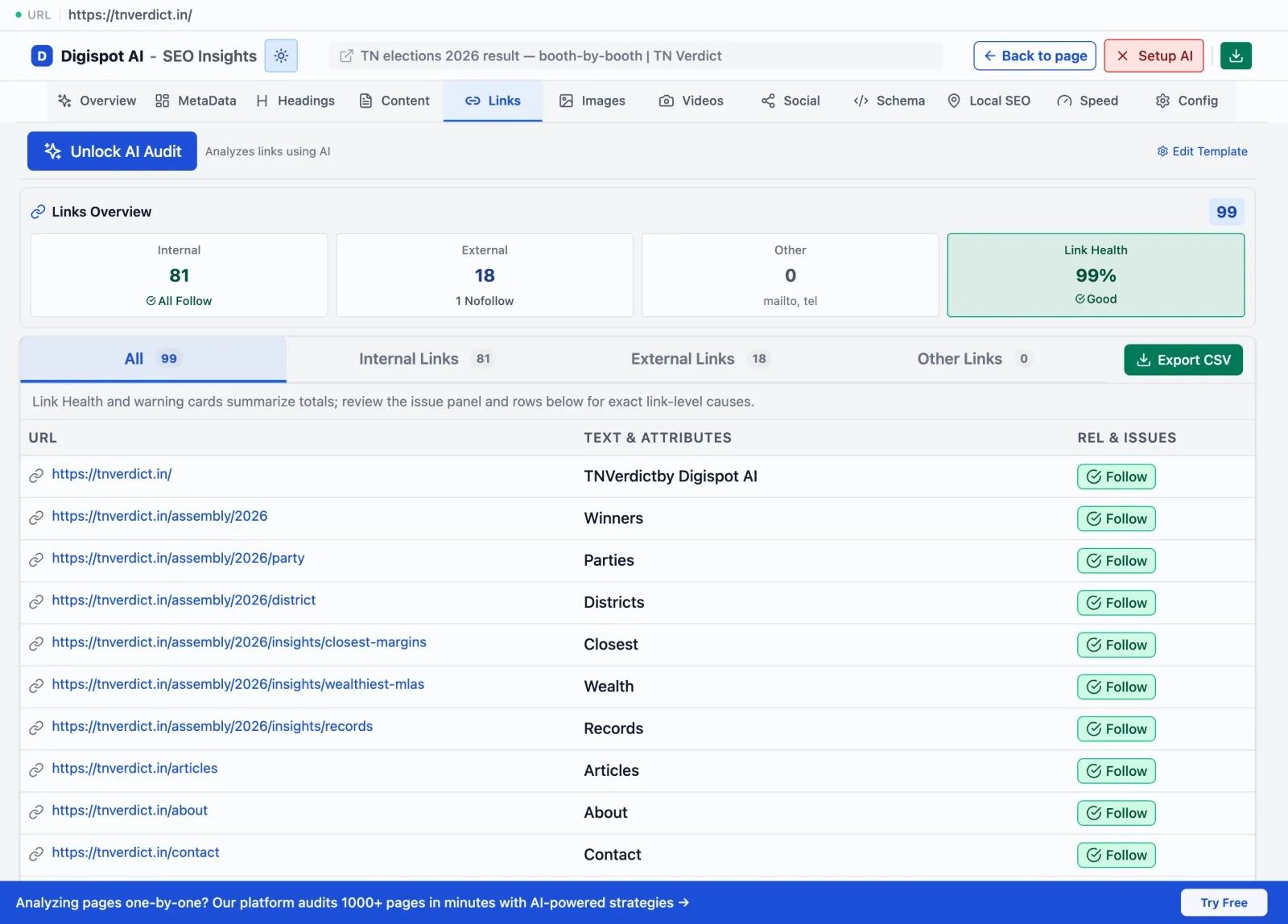
- Manual Method: Open Chrome DevTools (F12) > Network Tab. Load the URL. Look for the first request with status 301 or 302.
- Easy Method: Get instant SEO insights on any page with our free Chrome extension. It highlights redirect paths and status codes instantly without digging through code.
5 Proven Fixes for "Page with Redirect" Issues
Once you've confirmed the URLs are indeed redirecting, use these strategies to clean up your GSC report.
1. Update Internal Links and Backlinks
If URL A redirects to URL B, but your navigation, footer, or blog posts still link to URL A, you are creating the problem.
- The Fix: Crawl your site to find all internal links pointing to the redirected URL. Change them to point directly to the final destination (URL B). While you are in there, it is worth revisiting your broader internal linking strategy so equity flows straight to live pages instead of leaking through redirect hops.
- For Backlinks: If a high-authority external site links to the old URL, consider contacting them to update it. This recovers lost link equity. Learn more about off-page SEO strategies to manage external signals.
2. Clean Up Your XML Sitemap
A "Page with redirect" error is most critical when the URL is submitted in your sitemap. You are sending conflicting signals: "Index this" (Sitemap) vs. "Don't index this" (Redirect).
- The Fix: Audit your XML sitemap. Ensure ONLY 200 OK (live, indexable) URLs are included. Remove all 3xx, 4xx, and 5xx URLs.
- Tool Tip: Use our On-Page SEO Analysis tool to verify individual URLs before adding them to your sitemap.
3. Resolve Redirect Chains and Loops
If GSC flags a "Redirect error" specifically, you likely have a loop.
- Scenario: Page A > Page B > Page C.
- The Fix: Change Page A to redirect directly to Page C. Collapse the chain.
- Scenario (Loop): Page A > Page B > Page A.
- The Fix: Break the loop. Decide which page should be the authority. If Page B is the goal, remove the redirect on Page B and let it resolve with a 200 OK status.
4. Check Canonical Tags
Sometimes a page has a redirect and a canonical tag pointing elsewhere, confusing bots.
- The Fix: A redirected page (source) generally doesn't need a canonical tag because the header handles the instruction. The destination page should have a self-referencing canonical tag.
- Validation: Ensure the destination page does not canonicalize back to the source URL (which would create a logic loop).
5. Verify 301 vs. 302 Implementation
Make sure you are using the right status code.
- 301 (Moved Permanently): Tells Google to de-index the old page and index the new one. Use this for 99% of SEO fixes.
- 302 (Found/Temporary): Tells Google to keep the old page in the index because it will come back. Using 302s for permanent moves causes "Page with redirect" issues where the old page refuses to drop out of the index.
Check out our guide on HTTP error codes to understand how different status codes impact bot behavior.
Using Digispot AI to Automate Redirect Audits
Manually checking hundreds of redirect warnings in GSC is tedious. Digispot AI streamlines this specifically for the "page with redirect error GSC fix" workflow.
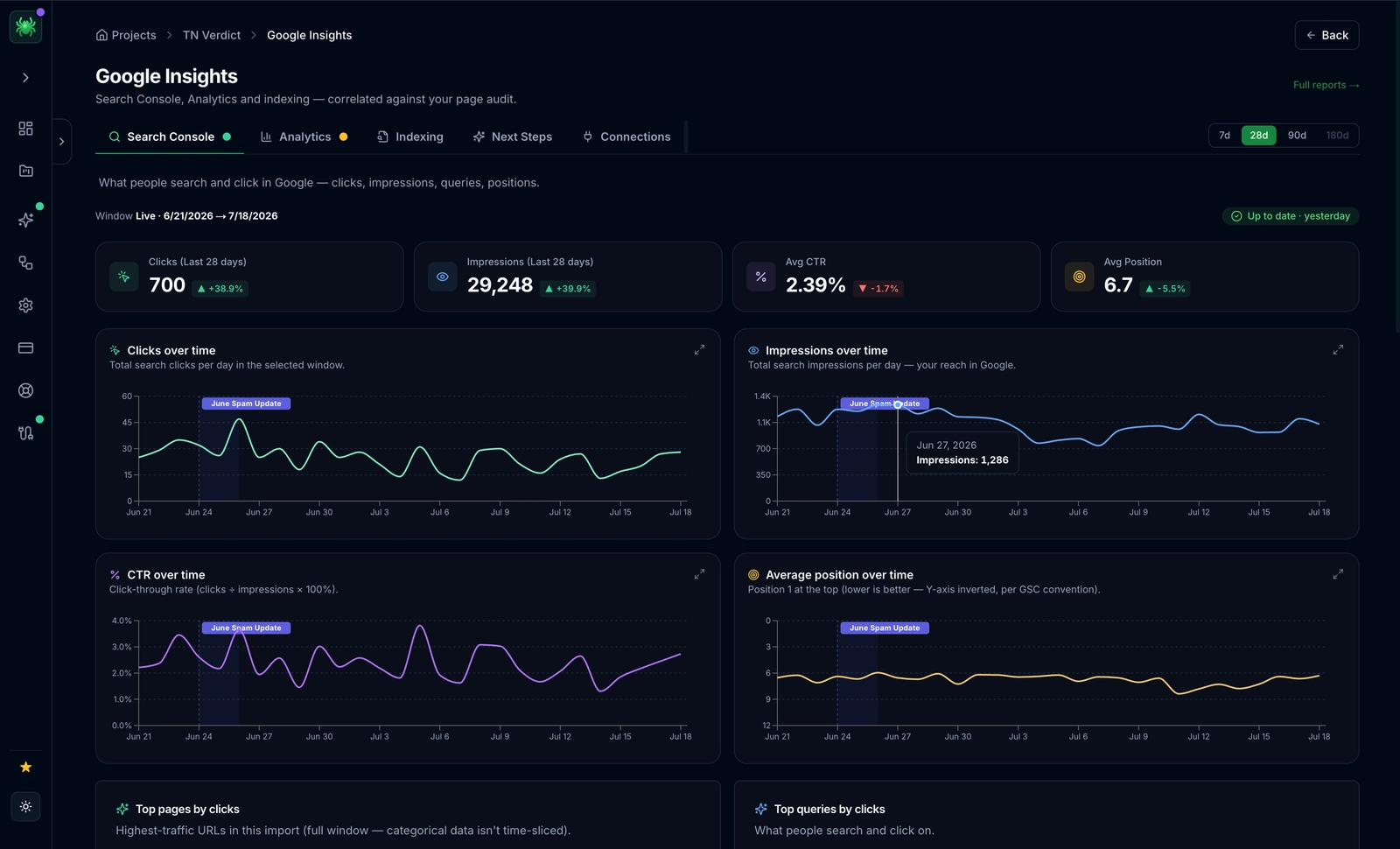
- Connect GSC: Import your "Not Indexed" data directly into Digispot.
- Cluster Analysis: The AI groups redirects by pattern (e.g., "all trailing slash issues" or "all /category/ migration issues").
- Internal Link Audit: Digispot crawls your site to find exactly which pages are linking to the redirects, giving you a to-do list for updates.
- Schema Validation: Ensure the destination pages have valid markup using the Schema Markup Generator.
Preventing Future Redirect Errors
Prevention is better than cure. To keep your GSC report clean:
- Standardize URL Structure: Decide on trailing slashes vs. no-slashes and enforce it at the server level (htaccess/Nginx) before launching pages.
- Audit Before Migration: If you are changing URL structures (like category page SEO updates), map out 301s in a spreadsheet first.
- Regular Crawls: Don't wait for GSC to email you. Run a monthly site crawl to catch chains before Googlebot wastes budget on them.
- Monitor Plugin Settings: Be careful with "Redirection" plugins in WordPress. Emptying their logs or resetting settings can sometimes break established redirects.
Start Improving Your Technical SEO Today
The "Page with redirect" status is a signal, not always a sentence. It tells you your site is evolving. However, ignoring it leads to a sloppy architecture that drains crawl budget and frustrates users.
By updating your internal links, cleaning your sitemap, and collapsing redirect chains, you turn a messy GSC report into a lean, indexable machine.
Ready to improve your search visibility? Try Digispot AI for comprehensive website audits and actionable recommendations that go beyond simple status codes to analyze the full health of your SEO strategy.
Related deep-dives
Continue with these closely related guides:
- to submit urls — How to Submit URLs to Google for Indexing (2026 Guide)
- to index website — How to Index Website in Google Fast: The 2026 Guide
References
Audit any page in seconds
300+ SEO checks including Core Web Vitals, schema markup, meta tags, and AI readiness — trusted by 1000+ SEO experts and marketers.
Frequently Asked Questions
Here are some of our most commonly asked questions. If you need more help, feel free to reach out to us.
Written by
Maya Krishnan
Digital growth expert
Maya is a seasoned expert in web development, SEO, and digital strategy, dedicated to helping businesses achieve sustainable growth online. With a blend of technical expertise and strategic insight, she specializes in creating optimized web solutions, enhancing user experiences, and driving data-driven results. A trusted voice in the industry, Maya simplifies complex digital concepts through her writing, empowering readers with actionable strategies to thrive in the ever-evolving digital landscape.