Content Pruning for SEO: When to Update, Merge or Delete
A data-led guide to content pruning: how to decide whether to keep, refresh, merge, noindex or delete old pages, and how to do it without losing traffic.
Most sites publish more than they maintain. Over the years you end up with outdated posts, several pages chasing the same query, and thin pages nobody visits. Content pruning is how you clean that up.
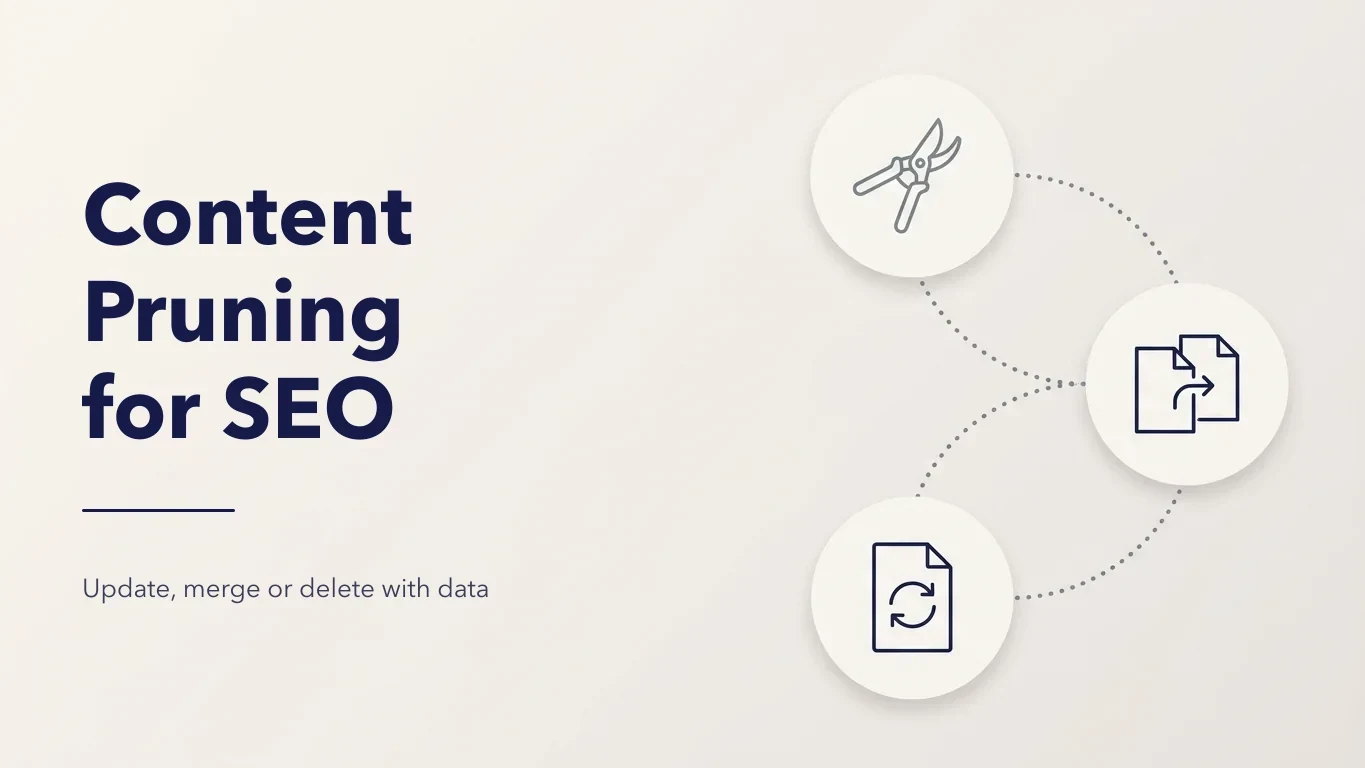
Pruning is not mass deletion. Most pages you review should be refreshed or merged. Deletion is for pages that have no traffic, no links and no purpose.
The five actions
| Action | What it means | Use it when |
|---|---|---|
| Keep | Leave the page as it is | It earns clicks, links or conversions and is up to date |
| Refresh | Update facts, examples, structure and intent | It used to perform, or ranks on page 2, but is out of date |
| Merge | Combine it into a stronger page and 301 redirect it | Several pages compete for the same query |
| Noindex | Keep it live but out of search | Users need it, searchers don't (thank-you, login, filter pages) |
| Delete | Remove it and return 410, or 301 if there's a close match | No traffic, no links, no purpose, and nothing worth saving |
Why pruning helps, and when it hurts
It helps when:
- several pages compete for one query and none wins (keyword cannibalization)
- thin or outdated pages make a section look low quality
- crawlers spend time on pages you don't care about instead of new and updated ones
It hurts when:
- you delete pages that earn backlinks or long-tail traffic
- you judge pages on one month of data, or on sessions alone
- you remove pages without redirects, so links and bookmarks hit 404s
Crawl efficiency matters most on large sites. On a 200-page site the bigger win is usually clarity: one strong page per topic.
The data you need
Look at each URL with at least 12 months of data, so seasonal pages aren't judged in their off-season.
- Search Console: clicks, impressions, average position and the queries each page ranks for. Impressions with few clicks often mean a refresh, not a deletion.
- GA4: engaged sessions and conversions from organic traffic. A page with few visits that converts well is a keeper.
- Backlinks: referring domains per URL. Never delete a page with good links. Merge it and redirect.
- Overlap: which pages rank for the same queries. These are your merge candidates.
- Crawl data: status codes, word count, duplicates and internal links in, so you know what each page is and how it's linked.
Pulling this into one sheet by hand takes time. The Digispot AI SEO Spider joins it for you. It crawls the site, overlays Search Console and GA4 on every page (Google Insights), and shows striking-distance queries, topic clusters and pages competing for the same query, with a suggested merge. Backlinks per page sit in the same project. In the Cloud app, Search Analytics gives the team the same GSC and GA4 view beside every page.
A simple decision table
| What the data shows | Action |
|---|---|
| Clicks, conversions or links, and up to date | Keep |
| Impressions but low clicks, or position 8 to 20 | Refresh: rewrite the title, update content, match intent |
| Two or more pages share most of their queries | Merge into the best one, 301 the rest |
| Needed by users, no search value | Noindex, follow |
| No clicks and no links in 12 months, outdated, no close match | Delete with 410 |
| No clicks, but a close match exists | 301 to the match |
Treat thresholds as starting points. A niche B2B page with five visits a month and two leads is worth more than a viral post nobody converts from.
Step by step
- Inventory. List every indexable URL from a crawl, your sitemap and Search Console.
- Add the data. Clicks, impressions, top queries, conversions and referring domains per URL.
- Group by topic. Pages about the same thing go together. This exposes overlap.
- Decide per URL using the table above. Write the target URL for every merge or redirect.
- Refresh and merge first. Move the best content from merged pages into the target, then redirect.
- Delete last. Return 410 for pages with nothing to save.
- Clean up. Update internal links, remove deleted URLs from sitemaps, and check canonicals.
Doing the changes on WordPress
The free Digispot AI WordPress plugin handles the mechanics:
- unlimited redirects, including 301 and 410, with regex for whole folders
- noindex switches per page from the editor
- internal link suggestions, so the pages you keep get links from related posts
- a broken link checker to catch links to pages you removed
Every change is logged and can be undone, which helps when you're pruning in bulk.
After pruning
- Update internal links to point at final URLs, not redirects. See 301 vs 302 redirects.
- Update XML sitemaps so they list only live, indexable pages.
- Annotate the date in your reporting so you can compare before and after.
- Watch the merged pages. Their clicks and impressions should rise as signals consolidate. If a page drops, check that the redirect works and the new page still answers the old queries.
Common mistakes
- Deleting pages with backlinks. Merge and redirect instead.
- Pruning on traffic alone. Check conversions, links and purpose too.
- Redirecting everything to the homepage. Google treats this as a soft 404.
- Merging pages with different intent. A "pricing" page and a "how it works" page can share keywords and still both be needed.
- Doing it all at once with no record. Keep a sheet of every URL, action and target so you can undo mistakes.
Summary
Prune with data, not instinct. Refresh what's close to ranking, merge what overlaps, noindex what users need but searchers don't, and delete only what has nothing to save. See the glossary entries on duplicate content and redirects for the details.
With Digispot AI, the Spider finds what to prune, the Cloud app shares the data with your team, and the WordPress plugin applies the changes. One plan from $19/mo covers every tool, with SEO data, insights and AI credits included. See pricing.
More in the Content Strategy guide
Start with the Hub and Spoke SEO: Build Topic Cluster Authority.
Audit any page in seconds
200+ SEO checks including Core Web Vitals, schema markup, meta tags, and AI readiness — trusted by 1,250+ SEO experts and marketers.
Frequently Asked Questions
Here are some of our most commonly asked questions. If you need more help, feel free to reach out to us.

Maya Krishnan is an SEO and AEO specialist at Digispot AI. She helps agencies and businesses across industries and countries grow organic traffic from Google and AI search, and knows the major SEO platforms well, from desktop crawlers to all-in-one suites. She checks and approves every article published under her name.
More from Maya Krishnan