The Ultimate Google Search Console SEO Guide for 2025
Master Google Search Console to boost rankings, fix technical errors, and uncover hidden keyword opportunities. A complete guide for modern SEOs.
 Maya Krishnan
Data is the lifeblood of SEO, but not all data is created equal. While third-party tools provide estimates, Google Search Console (GSC) remains the only source of truth coming directly from the search engine itself. It tells you exactly how Google sees, crawls, and ranks your website.
Yet, many marketers and business owners only scratch the surface. They check total clicks, glance at the average position, and move on. This approach leaves massive opportunities on the table.
True SEO mastery involves leveraging GSC to diagnose complex technical issues, reverse-engineer traffic drops, and discover high-intent keyword gaps your competitors missed. Whether you are managing a small local business or a massive enterprise e-commerce site, the insights hidden in these reports can dictate your strategy for the next quarter.
This guide moves beyond the basics. You will learn how to use Google Search Console to drive tangible organic growth, fix critical indexing errors, and align your content with user intent.
Key Takeaways
- Verify your site as a Domain Property (DNS) so GSC aggregates every protocol and subdomain—URL-prefix properties silently omit traffic.
- Segment the Performance report instead of reading the aggregate graph: high-impression, low-CTR pages are your fastest title-and-meta wins.
- Treat the Pages report as a triage list—prioritize "Crawled - currently not indexed," "Discovered - currently not indexed," and Soft 404 statuses, since each has a distinct root cause and fix.
- Use the URL Inspection tool for real-time diagnostics: request indexing after updates and check "View Crawled Page" to confirm Google actually renders your content.
- Keep Manual Actions and Security Issues empty, and export data before the 16-month retention window closes so you never lose historical trends.
Setting Up GSC for Data Integrity
Before analyzing reports, you must ensure your setup captures every relevant signal. A fragmented setup leads to incomplete data, blinding you to specific subdomains or protocol variations.
Verification Methods That Matter
Google offers several verification methods, but Domain Verification (DNS) is superior. By verifying via DNS record, you create a "Domain Property" that aggregates data across:
- All protocols (http:// and https://)
- All subdomains (www, m., blog., shop.)
URL-prefix verification (e.g., just https://www.example.com) limits your view to that specific address. If your site has a mobile subdomain or legacy HTTP pages, URL-prefix properties will miss that traffic data. Use URL-prefix only when you need to isolate data for a specific subdirectory or if you lack DNS access.
Linking to Google Analytics 4 (GA4)
Connecting GSC to GA4 bridges the gap between acquisition and behavior. Once linked, you can view organic search queries directly within GA4's acquisition reports. This integration helps you correlate specific rankings with on-site engagement metrics like engagement rate and conversions.
- Go to Admin in GA4.
- Under Product Links, select Search Console Links.
- Click Link and choose your GSC property.
User Permissions and Security
Audit your user list quarterly. GSC grants powerful access—users can remove URLs from the index or view sensitive query data. Restrict "Full" or "Owner" access to trusted team members. Use "Restricted" permissions for stakeholders who only need to view performance data without the ability to alter configuration settings.
Mastering the Performance Report
The Performance report is your command center. It displays Clicks, Impressions, CTR (Click-Through Rate), and Average Position. However, looking at the aggregate graph is useless. The value lies in segmentation.
Finding Low-Hanging Fruit (High Impressions, Low CTR)
Pages with high impressions but low clicks indicate that Google sees your content as relevant, but users aren't choosing you. These are your quickest wins.
- Go to Performance > Search Results.
- Select Pages and filter by a specific topic using the "New > Page" filter.
- Sort by Impressions (high to low).
- Look for pages with a CTR below your site average (e.g., < 1.5%) but significant impressions.
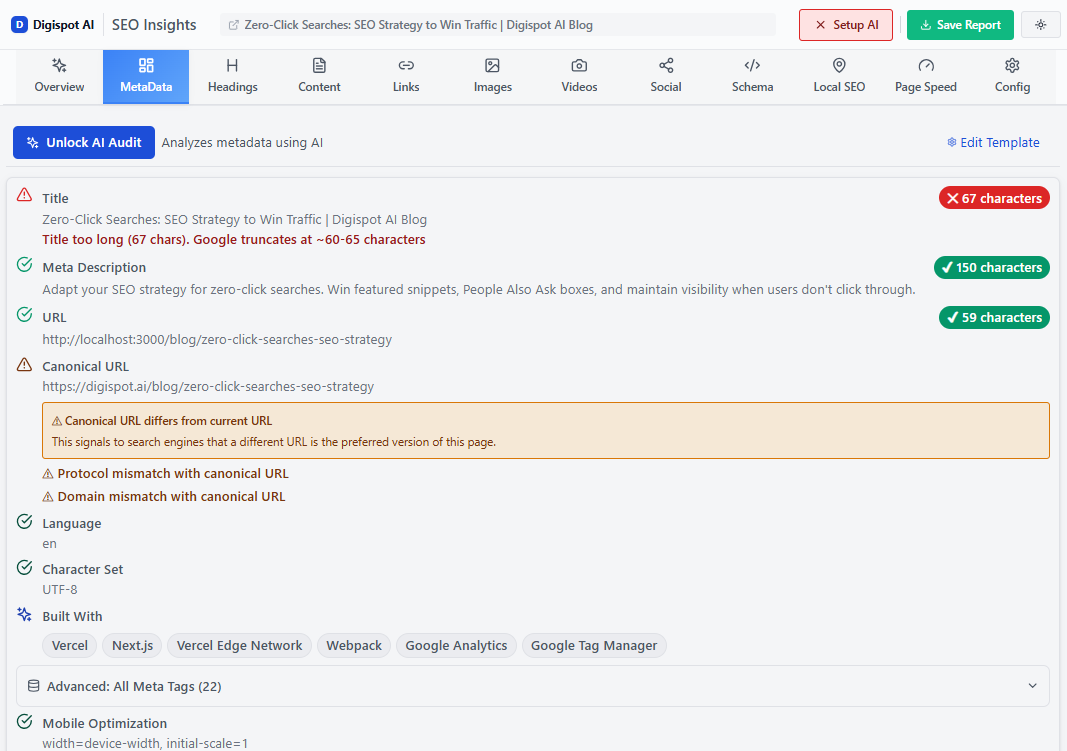
Action: Rewrite the title tag and meta description to be more compelling. Front-load the primary query, add a differentiator (year, number, benefit, or free/tool modifier), and make sure the promise matches searcher intent so the click isn't a bounce. Check if the top-ranking results have rich snippets (stars, images) that you lack, since a plain blue link loses clicks to visually richer competitors. Use the free Meta Preview tool to visualize how your new snippets will appear in SERPs before publishing, and see our full playbook on CTR optimization for tested title patterns.
Identifying Keyword Cannibalization
Cannibalization occurs when multiple pages on your site compete for the same keyword, confusing Google and diluting your ranking power.
- Click on a specific Query in the performance table.
- Click the Pages tab.
- If you see two or more URLs with similar clicks and impressions for that single query, you have cannibalization.
A subtler signature is a page whose ranking URL swaps over time: set the date range to the last three months, add the query filter, and watch whether Google keeps flip-flopping between two URLs day to day. That instability is Google telling you it can't decide which page best answers the query, and it usually caps both pages in the 8–15 position band.
Action: Consolidate the content. Pick the stronger URL (typically the one with more backlinks and internal links), merge the unique value from the weaker page into it, and 301 redirect the weaker URL to the stronger one. Update any internal anchors that pointed at the retired page so link equity flows to the survivor rather than through a redirect hop. When the two pages genuinely serve different intents, the fix is the opposite—differentiate their titles, H1s, and body focus so each targets a distinct query set. For a step-by-step consolidation workflow, see our guide on how to fix keyword cannibalization.
Regex Filtering for Advanced Insights
Regular Expressions (Regex) allow you to filter data with complex logic. This is essential for identifying long-tail question queries which are prime targets for search intent optimization.
Useful Regex Patterns:
- Find questions:
^(who|what|where|when|why|how) - Find long-tail keywords (6+ words):
([^” “]*\s){5,}? - Filter out branded terms:
^((?!brandname).)*$
By filtering for questions, you can identify content gaps where you answer the user's query but haven't created a dedicated section or FAQ for it.
Technical SEO: Index Coverage and Crawl Stats
Ranking is impossible if Google cannot index your pages. The Pages report (formerly Coverage) is a health check for your site's visibility.
Deciphering "Why pages aren't indexed"
GSC categorizes excluded pages by reason. Prioritize these three specific statuses:
1. Crawled - currently not indexed
This is often a quality signal. Google bot crawled the page, analyzed the content, and decided it wasn't worth the index storage.
- Cause: Thin content, duplicate content, or poor internal linking.
- Fix: Improve content depth and uniqueness. Ensure the page is linked from relevant high-authority pages on your site. Our dedicated walkthrough on fixing the "Crawled - currently not indexed" error covers the diagnostic order to follow.
2. Discovered - currently not indexed
Google knows the URL exists but hasn't crawled it yet to save crawl budget.
- Cause: Overloaded server or low PageRank (authority).
- Fix: Check server performance. If the server is fine, the page likely lacks internal links. Add links from important pages to signal value to Google.
3. Soft 404
A page that tells the user "item not found" but returns a "200 OK" status code to Google.
- Cause: Empty category pages or deleted products that weren't redirected.
- Fix: Either add content to the page or return a proper 404/410 status code if the content is gone forever.
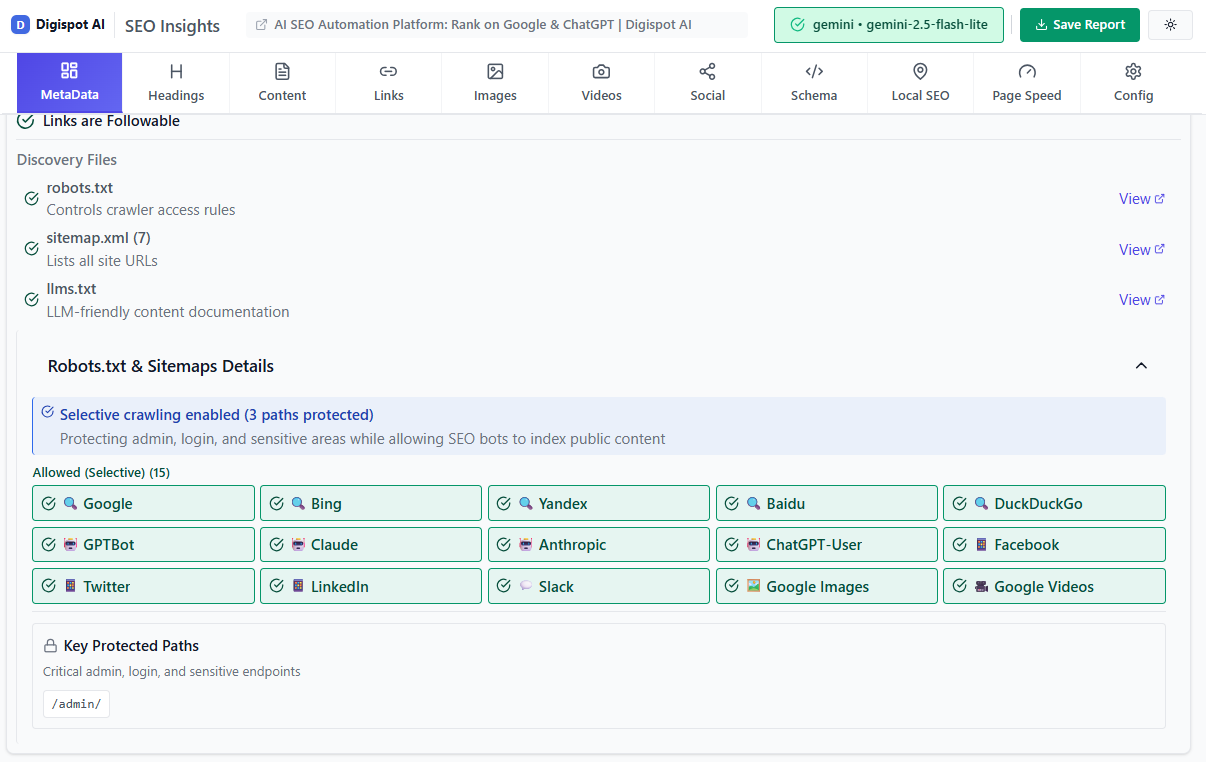
"Digispot AI can help you identify and fix these issues automatically with AI-powered audits analyzing 300+ ranking factors, ensuring you never miss a critical indexing error."
Analyzing Crawl Stats
Found under Settings > Crawl stats, this hidden report reveals how Googlebot interacts with your server.
- Host status: Ensure you have zero "Server connectivity" failures.
- Crawl requests: A sudden drop suggests Google has lost interest (quality issues), while a spike might indicate a technical glitch (infinite generated URLs).
- By response: You want majority "200 OK". If "301" or "404" percentages spike, you may have a broken link or redirect loop issue.
Core Web Vitals and Page Experience
Google uses Page Experience signals as a tie-breaker in rankings. The Core Web Vitals report in GSC segments URLs into "Poor," "Needs Improvement," and "Good."
The Three Pillars
- LCP (Largest Contentful Paint): Loading performance. The main content should load within 2.5 seconds.
- INP (Interaction to Next Paint): Responsiveness. Replaces FID. Measures latency of all interactions (clicks, taps).
- CLS (Cumulative Layout Shift): Visual stability. Elements shouldn't jump around as the page loads.
Use this report to identify groups of pages failing. GSC groups similar URLs (e.g., all product pages) because they likely share the same template code. Fixing the template often resolves thousands of URLs at once.
For a deeper technical breakdown on fixing these metrics, read our detailed Core Web Vitals SEO Guide.
Enhancing Visibility with Structured Data
The Enhancements section tracks your structured data (Schema markup). Rich results—like Review Snippets, FAQ, Breadcrumbs, and Product data—increase CTR by making your listing more visible.
GSC validates your markup. If you see "Invalid" errors, Google may disable the rich result for those pages entirely.
Common Schema Errors:
- Missing field "price": Critical for e-commerce.
- Unparsable structured data: Usually a syntax error (missing bracket or comma) in the JSON-LD code.
If you don't have schema implemented yet, you are missing out on valuable SERP real estate. Use the free Schema Markup Generator to create valid JSON-LD code for articles, products, and local businesses in minutes.
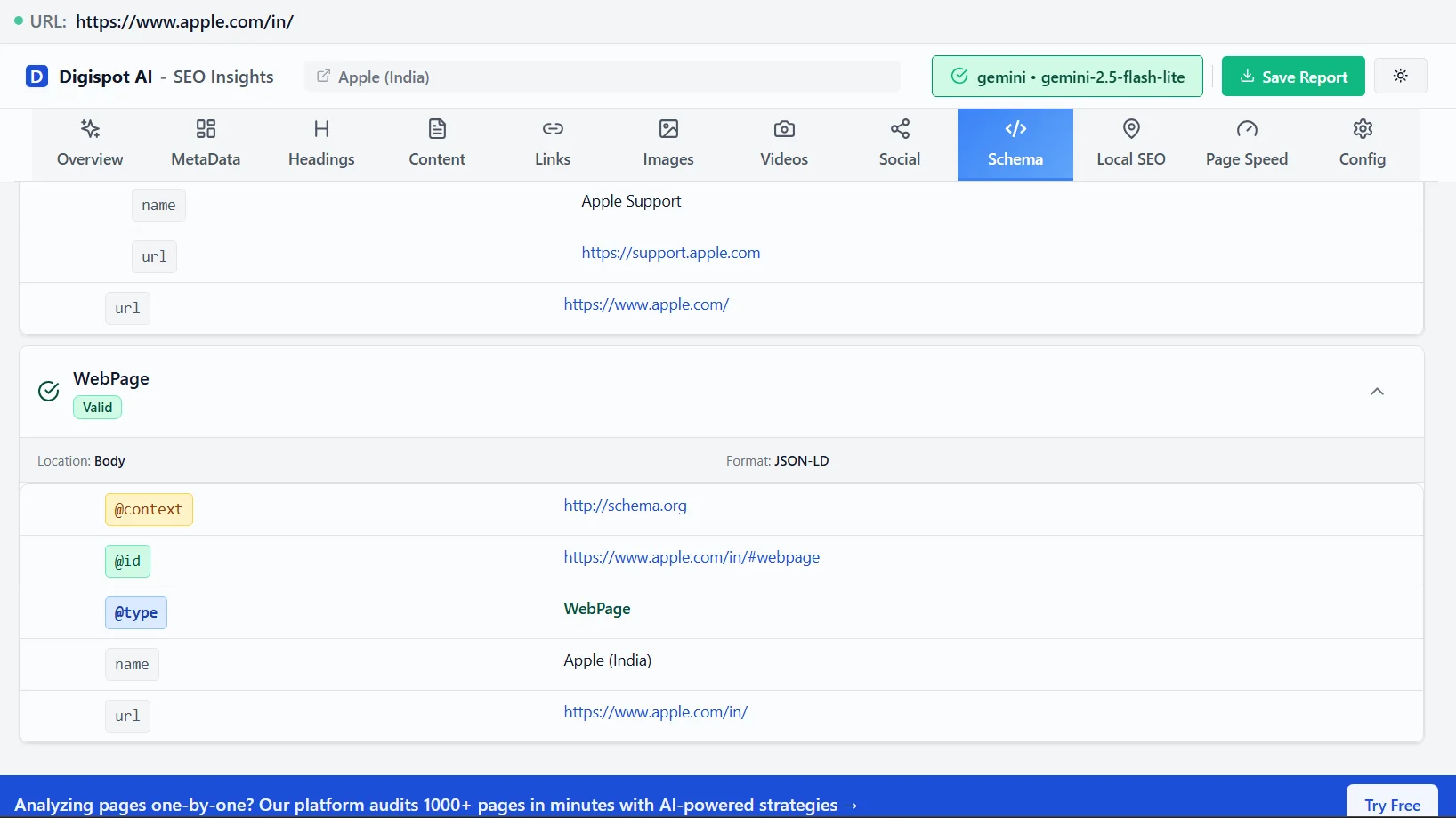
For troubleshooting complex implementations, refer to our advanced schema markup guide.
Optimizing Internal Link Architecture
The Links report is often ignored but holds the key to distributing authority (PageRank) throughout your site.
Top Linked Pages (Internal)
Sort this list by "Internal links - descending."
- The Ideal: Your most important pages (Home, high-value services, pillar content) should be at the top.
- The Reality: Often, privacy policies or obscure "Contact" pages amass links because they are in the footer.
If a high-priority product page has few internal links, it tells Google that page is unimportant. Adjust your navigation or add contextual links from blog posts to boost these pages. Building a deliberate internal linking strategy turns this report from a diagnostic into a repeatable authority-distribution system.
Top Linked Pages (External)
This shows which pages attract backlinks from other sites. These are your "power pages." You should leverage these by adding internal links from these power pages to newer or lower-ranking pages you want to boost. This strategy passes link equity efficiently.
The URL Inspection Tool: Your Diagnostic Swiss Army Knife
While reports show historical data, the URL Inspection bar (at the very top of GSC) provides real-time diagnostics for a single URL.
Key Uses:
- Request Indexing: Essential after publishing new content or updating an old page. It cues Google to recrawl immediately.
- View Crawled Page: Click "View Crawled Page" to see the HTML code Google actually sees. If your content relies on JavaScript and isn't rendering here, Google cannot rank it.
- Mobile Usability Tests: Verifies if the specific page has clickable elements too close together or text that is too small.
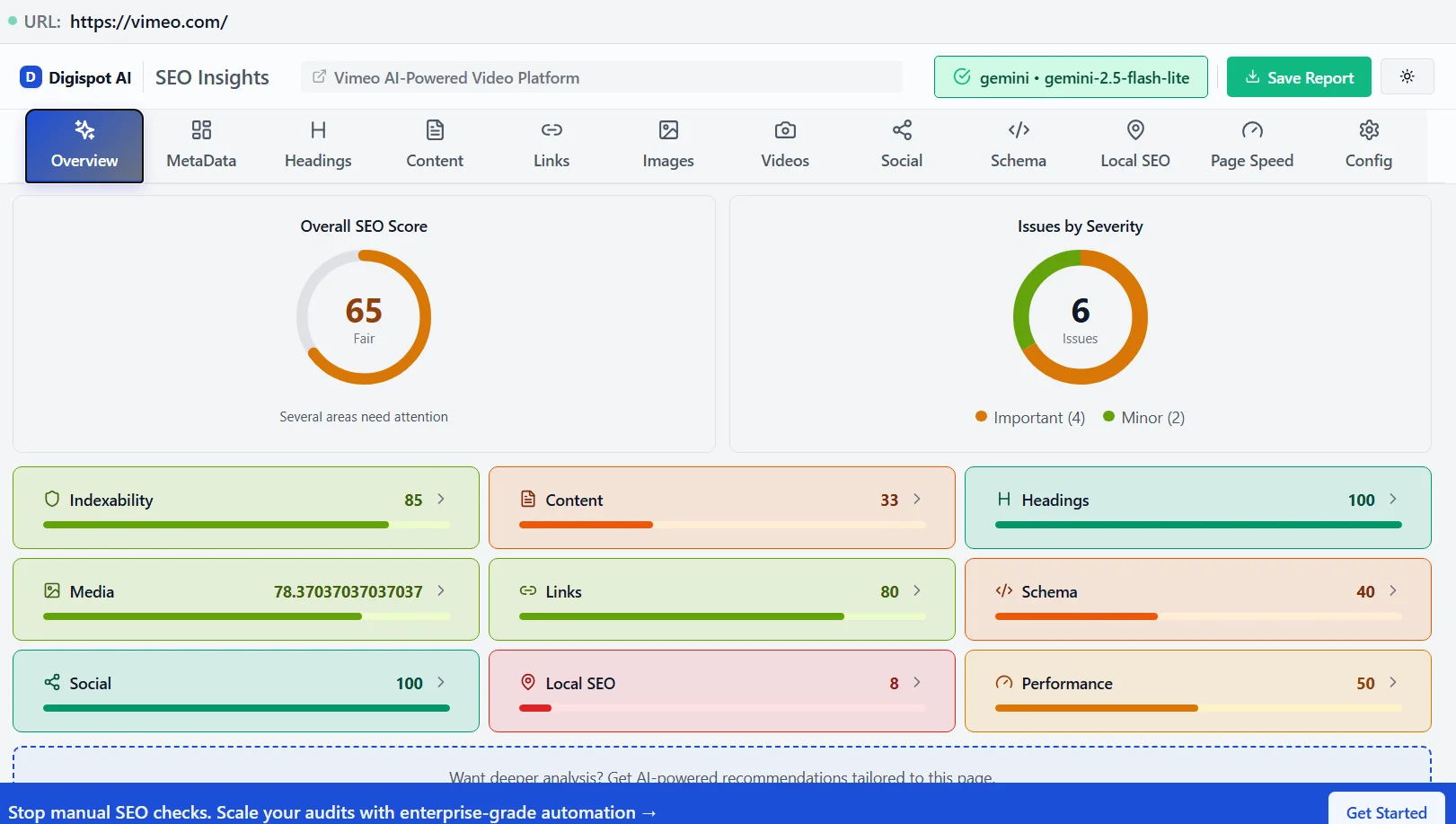
Get instant SEO insights on any page while you browse with our free Chrome extension, which acts as a perfect companion to the URL Inspection tool.
Troubleshooting Manual Actions and Security Issues
These two tabs should always be empty.
- Manual Actions: If a human reviewer at Google determines your site violates spam policies (e.g., buying links, cloaking, sneaky redirects), you will see a notice here. A manual action can de-index your entire site. You must fix the issue and file a "Reconsideration Request," documenting your cleanup efforts thoroughly.
- Security Issues: Alerts you to malware, deceptive pages, or harmful downloads. If your site is hacked, Google will display a "This site may be harmful" warning in SERPs, killing your traffic instantly.
If you are building authority and trust, maintaining a clean security record is a fundamental part of E-E-A-T.
Finding Content Gaps with GSC Data
You can use GSC to find topics you rank for but haven't actually written about.
- Export your Performance data for the last 3 months.
- Filter for queries containing "vs", "review", "best", or "alternative".
- Check the "Average Position" for these queries.
- If you rank on page 2 (Position 11-20) for a specific term without a dedicated page for it, you have found a content gap.
For example, if you sell "CRM software" and rank #15 for "CRM vs Email Marketing" with your homepage, you should create a dedicated blog post comparing those two concepts. You will likely jump to page 1 because you are matching content gap intent more precisely.
Automating Analysis with Digispot AI
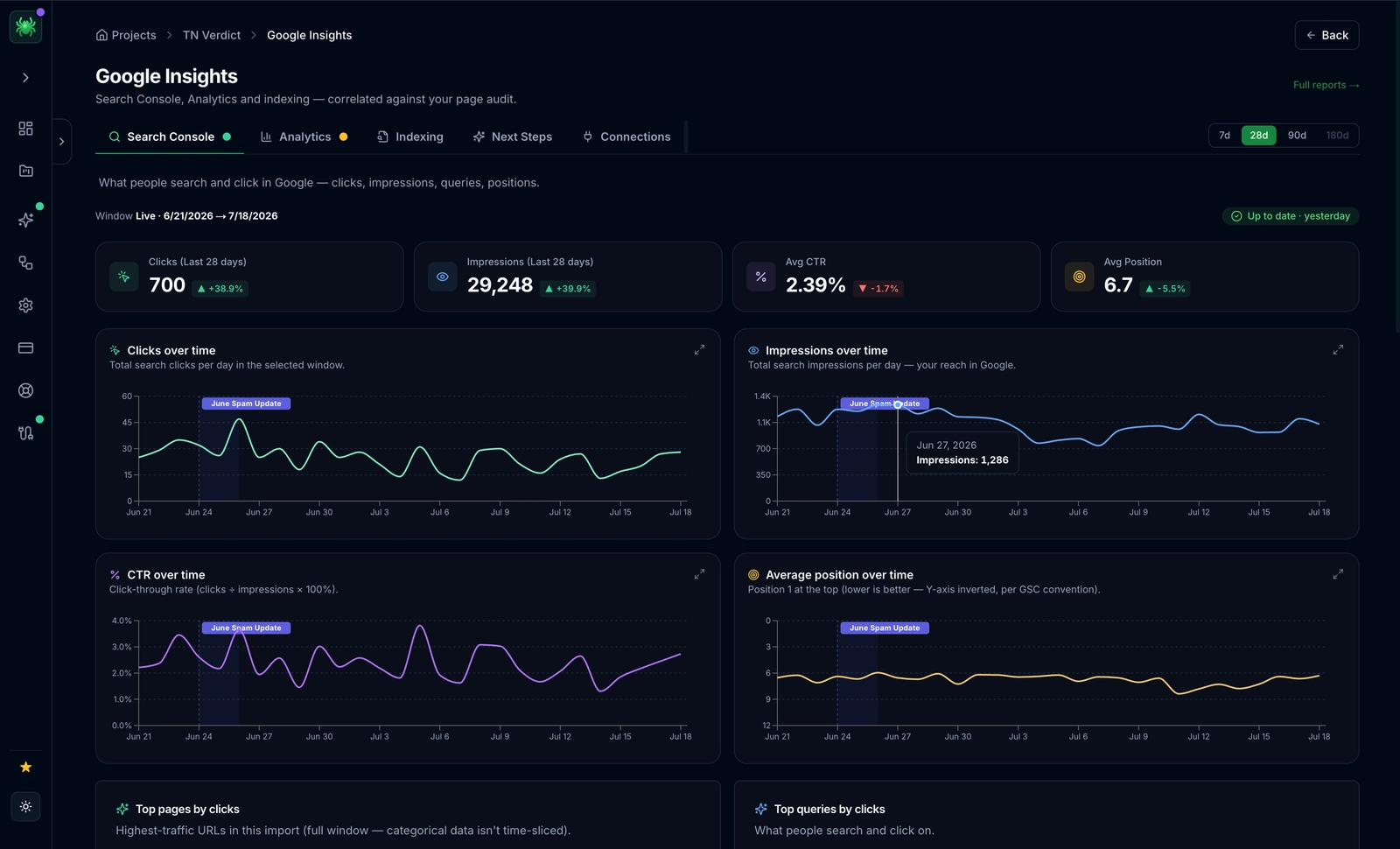
While Google Search Console provides the raw data, analyzing thousands of rows to find patterns is time-consuming. GSC also lacks competitor context—it can't tell you why you are ranking #5 while a competitor is #1.
Digispot AI bridges this gap. By integrating GSC data with our multi-LLM analysis engine, we provide:
- AEO (Answer Engine Optimization) Tracking: See how you appear in ChatGPT and Google AI Overviews, not just traditional search.
- Automated Root Cause Analysis: We don't just show "traffic dropped"; we correlate it with specific algorithm updates or technical changes.
- Entity Analysis: Understand the semantic relationships Google sees on your pages.
Ready to improve your search visibility? Try Digispot AI for comprehensive website audits and actionable recommendations that go beyond standard reporting.
Start Improving Your Search Performance Today
Google Search Console is more than a dashboard; it is a feedback loop from the search engine itself. By moving beyond vanity metrics and using GSC to diagnose technical health, optimize click-through rates, and refine your content strategy, you build a resilient SEO foundation.
Start small: fix your "Crawled - not indexed" errors, optimize your top 5 pages with low CTR, and validate your schema markup. These consistent actions compound over time, leading to sustainable rankings that survive algorithm updates.
Related deep-dives
Continue with these closely related guides:
- google search console seo — Google Search Console SEO: E-commerce Power
References
Audit any page in seconds
300+ SEO checks including Core Web Vitals, schema markup, meta tags, and AI readiness — trusted by 1000+ SEO experts and marketers.
Frequently Asked Questions
Here are some of our most commonly asked questions. If you need more help, feel free to reach out to us.
Written by
Maya Krishnan
Digital growth expert
Maya is a seasoned expert in web development, SEO, and digital strategy, dedicated to helping businesses achieve sustainable growth online. With a blend of technical expertise and strategic insight, she specializes in creating optimized web solutions, enhancing user experiences, and driving data-driven results. A trusted voice in the industry, Maya simplifies complex digital concepts through her writing, empowering readers with actionable strategies to thrive in the ever-evolving digital landscape.